Ever gone furniture shopping right before a move, only to blank out halfway through on whether you need a two-seat or three-seat sofa for the living room?
A good furniture list saves you from exactly that back-and-forth. It tells you what to buy, how big each piece should be, and how to plan your budget — so you don't find out on-site that something doesn't fit or that you forgot to buy it.
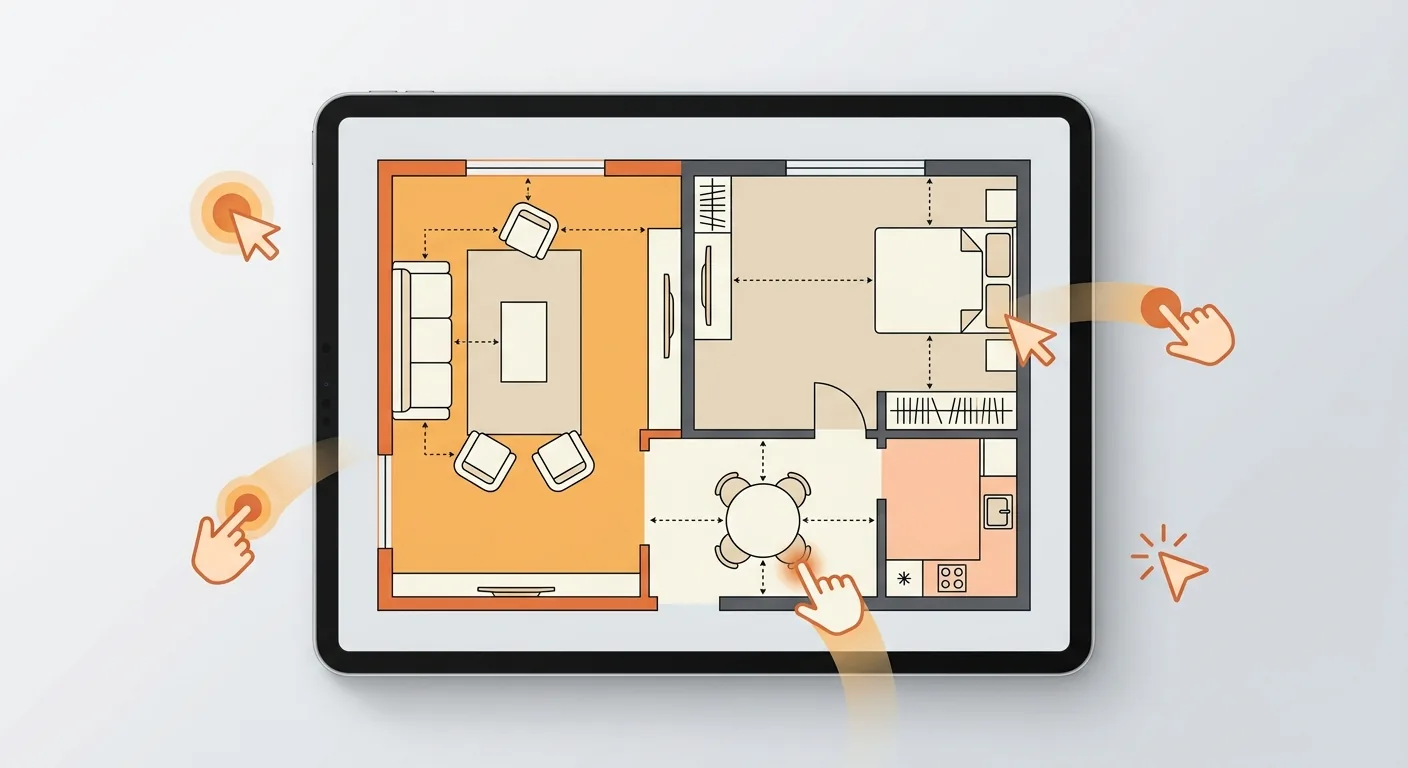
This guide shows you how to use Roomfit's online furniture-placement tool to drag furniture at true 1:1 scale into your floor plan, let the item list generate itself automatically, and then export it to Excel and PDF in one click — one version for your contractor, one for your family, plus the floor plan as an image.
Caption: Place your furniture into the floor plan in Roomfit, and the item list on the right generates itself automatically — item, dimensions, quantity, and position all in one place
Key takeaway: Once you place your furniture in Roomfit, an item list is generated automatically, ready to export in one click to Excel, PDF, and a floor plan PNG. US online furniture returns run as high as 22.7% (Eightx compilation, 2026) — getting a dimensioned list matched to your space first means fewer wrong purchases and fewer returns.
1Why List Your Furniture First? Two Different Pain Points for New Homes and Rentals
Having a list first is what tells you what to buy, how big it needs to be, and how to budget for it. Just how important is this? In US e-commerce data, online furniture returns sit at about 22.7% (Eightx compilation, 2026), roughly 3 percentage points above the all-category online average of 19.3% (NRF × Happy Returns, 2025) — and a large share of those returns trace back to a list that was never properly worked out, with the wrong sizes ordered.
New homes and rentals face two rather different pain points.
Why Do New-Home Buyers Get the Sizing Wrong?
Furnishing a new home is usually a single, large-ticket, multi-item purchase. Without a list, it's easy to buy duplicates or discover only after delivery that something doesn't fit.
The same US data shows that about 58% of furniture returns are tied to a size or space mismatch, making it the single biggest driver (Eightx, 2026). Every return trip costs shipping, time, and energy all over again. Instead, place your furniture at true 1:1 scale on the floor plan first, and the list will carry the correct dimensions automatically.
New-home lists usually start with the big items: the living room's sofa, TV console, and coffee table; the bedroom's bed, mattress, and wardrobe; the kitchen and dining area's table, chairs, and refrigerator. These large pieces determine your walkways and traffic flow, so nailing down their dimensions first lets the smaller pieces — side tables, shelving, storage — fall into place around them. In our experience, laying out just the large items on the plan once is enough to rule out half the options that "look fine" but actually won't fit.
How a Renter's List Differs From a New Homeowner's
For renters, everything comes down to one thing: portability.
Does it fit, can you move it, and can you take it with you when the lease ends — that's the core of a rental list. It's a different logic from the new homeowner's "buy the complete set at once" approach; what you want is a lean, movable version. According to the DGBAS Survey of Family Income and Expenditure, Taiwan's average living space per person was only 14.3 ping (roughly 47 m²) at the end of 2024 (Executive Yuan national profile, 2025), and rental spaces are often even smaller — get the list precise, and moving day won't be a scramble. To line up your entire move's packing pace at the same time, pair this with our moving checklist and packing guide.
2How Roomfit Auto-Generates a Furniture Item List: Dimensions, Quantity, and Position the Moment You're Done Placing
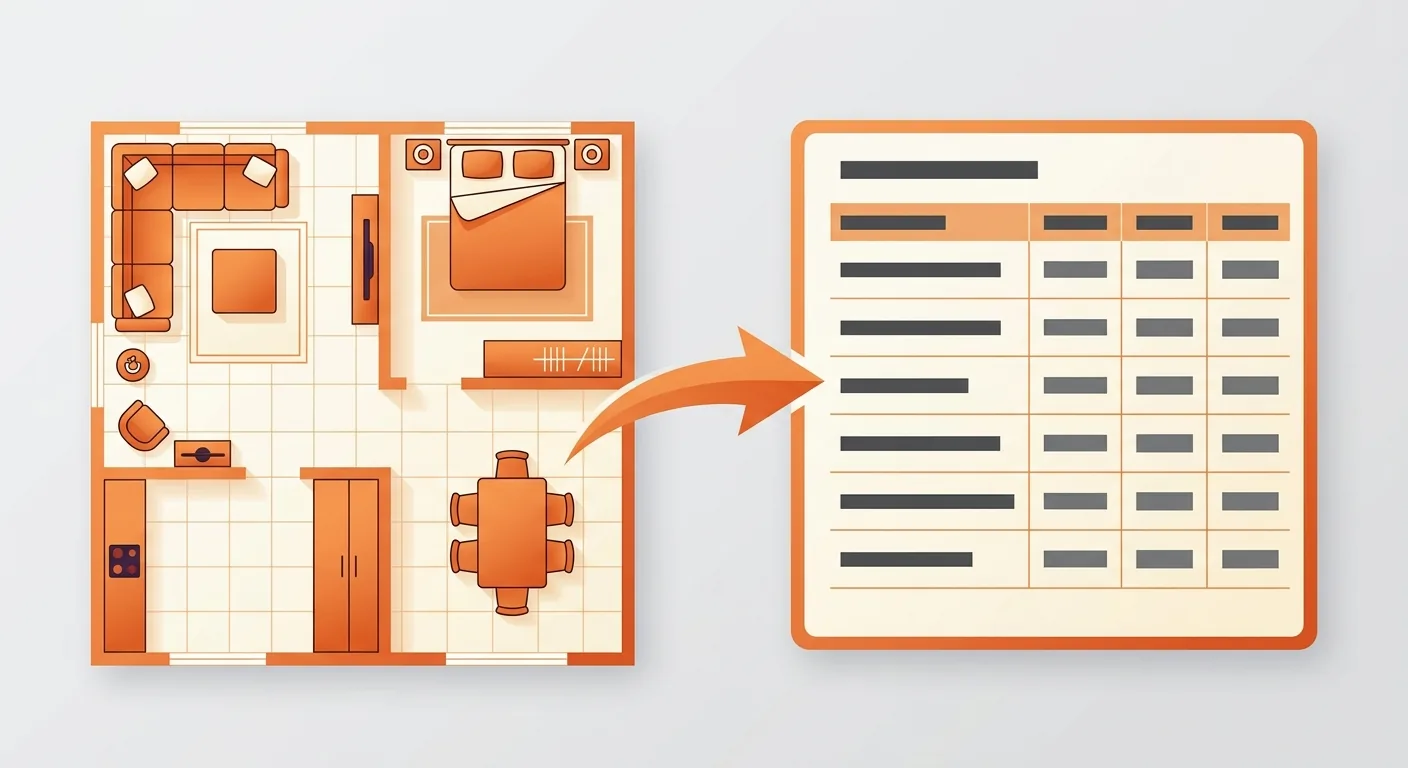
Getting a list the moment you finish placing furniture is the biggest difference between Roomfit and typing everything into Excel by hand. Drag your furniture at true 1:1 scale into the floor plan, and the system automatically compiles an item list — every piece with its dimensions, quantity, and placement. We've tested this ourselves: drag out the same layout, and the list is generated on the spot, no need to open a separate file and start typing from scratch.
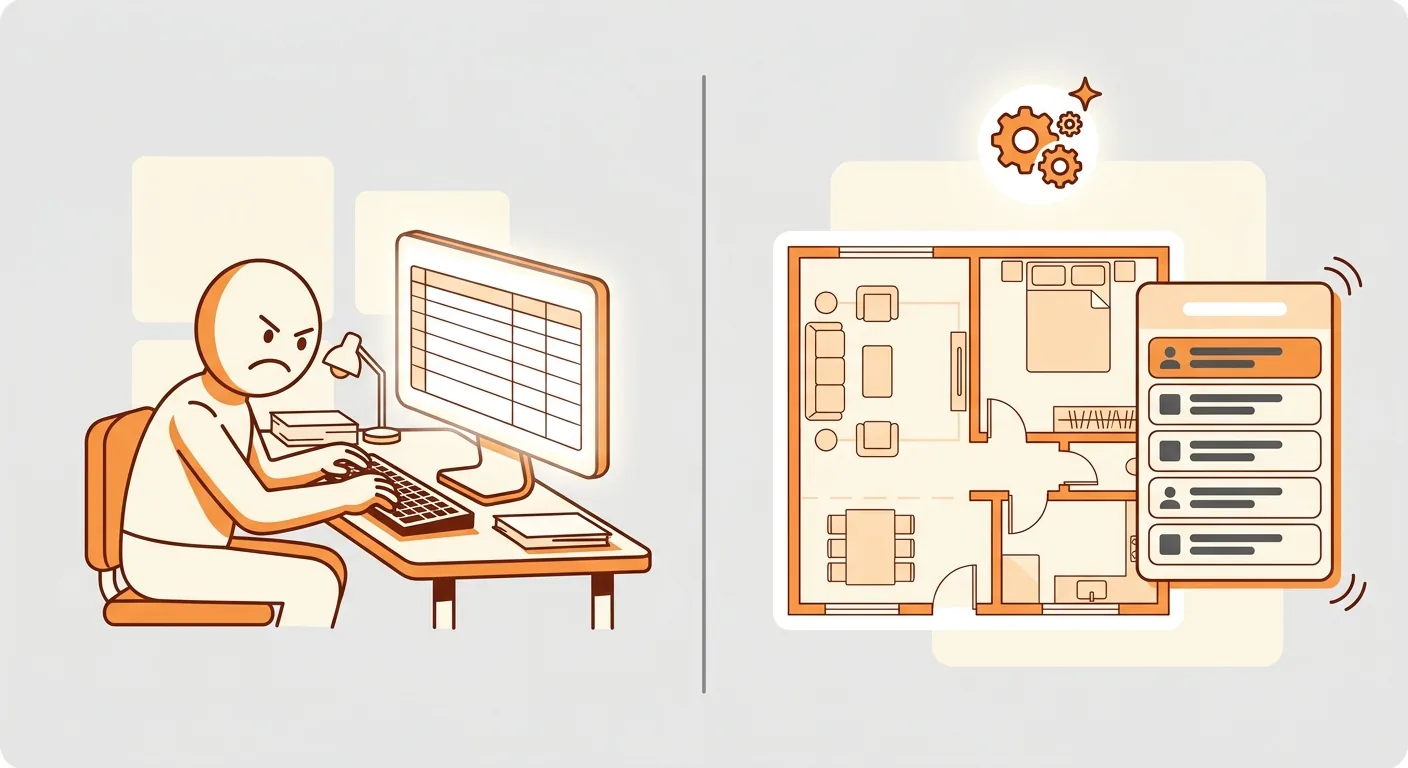
Caption: Left = typing Excel by hand means measuring, remembering, and missing things yourself; right = place it once in Roomfit and a list generates itself, with the list and the floor plan sharing the same data
Where the Dimensions on the List Come From
The dimensions on your list come from a floor plan whose scale you've already calibrated. They're converted from your real-world space, not filled in by guesswork.
Want to know how calibration works? Check out how to use the measuring and scale tools — accuracy is actually decided right at that step.
Why the List Appears the Moment You're Done — No Manual Entry Needed
Because the list and the floor plan draw on the same data. Whatever you placed on the plan, and wherever you placed it, is exactly what the list records.
The list also includes position, so family members know at a glance what goes where, and your contractor can match it to the actual site — cutting way down on back-and-forth confirmation. The classic problem with hand-typed spreadsheets — the plan says one thing, the table says another, and they never quite line up — simply doesn't happen here.
There's also a benefit people often overlook: the list updates automatically when you edit the plan. Swap a three-seat sofa for a two-seat one, or shift the wardrobe half a meter to the right, and the dimensions and position on the list update on their own — no need to go back and edit Excel. The thing hand-typed lists fear most is "the plan changed but the table wasn't updated," leaving you shopping with outdated numbers. When it's all the same dataset, that kind of error disappears at the source.
3Furniture List Export Guide: Excel, PDF, and the Difference Between a Contractor Version and a Family Shopping Version
Once you're done placing furniture, just pick a format from the export menu to get your list. Excel is great for further editing and price comparison; PDF is great for printing directly or sending to someone. Why is this step worth dwelling on? Because a 2022 survey found that about 63% of US homeowners feel overwhelmed at some point during a renovation (MoneyWise renovation survey, 2024) — and a list split cleanly by audience and version is exactly what cuts through that chaos.
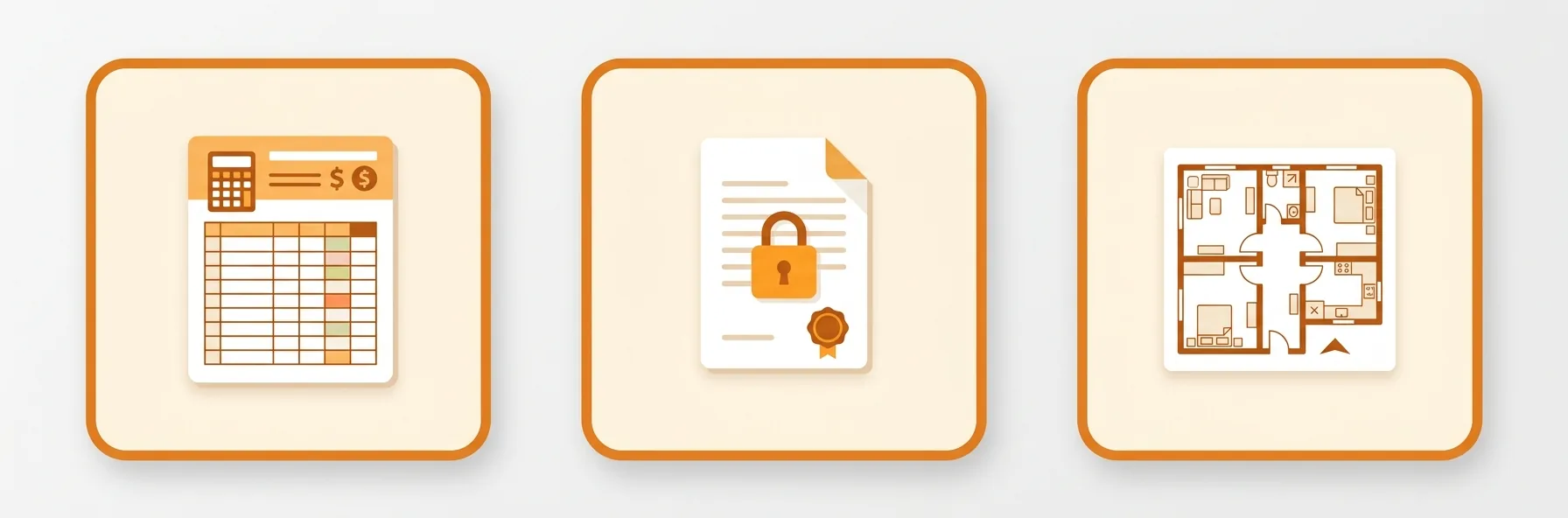
Caption: (1) Excel for family price comparison (still editable) (2) PDF for contractor work (final, won't be accidentally altered) (3) PNG floor plan for on-site alignment
Export to Excel for Family Price Comparison
Use Excel for the family shopping version. Columns focus on item, dimensions, quantity, and budget, making it easy for the whole family to divide up shopping tasks and paste dimensions straight into a shopping cart for comparison while browsing online. This is also exactly what people searching "new home furniture list excel" are looking for.
Export to PDF for Contractor Work
Use PDF for the contractor version. Once finalized, a PDF export can't be easily altered by mistake; with dimensions and positions attached, your contractor can work from the drawing and match it to the actual site. One plan, export each format once — no need to redo anything.
4Export the Floor Plan as an Image Too: Scale-Accurate, Printable Output
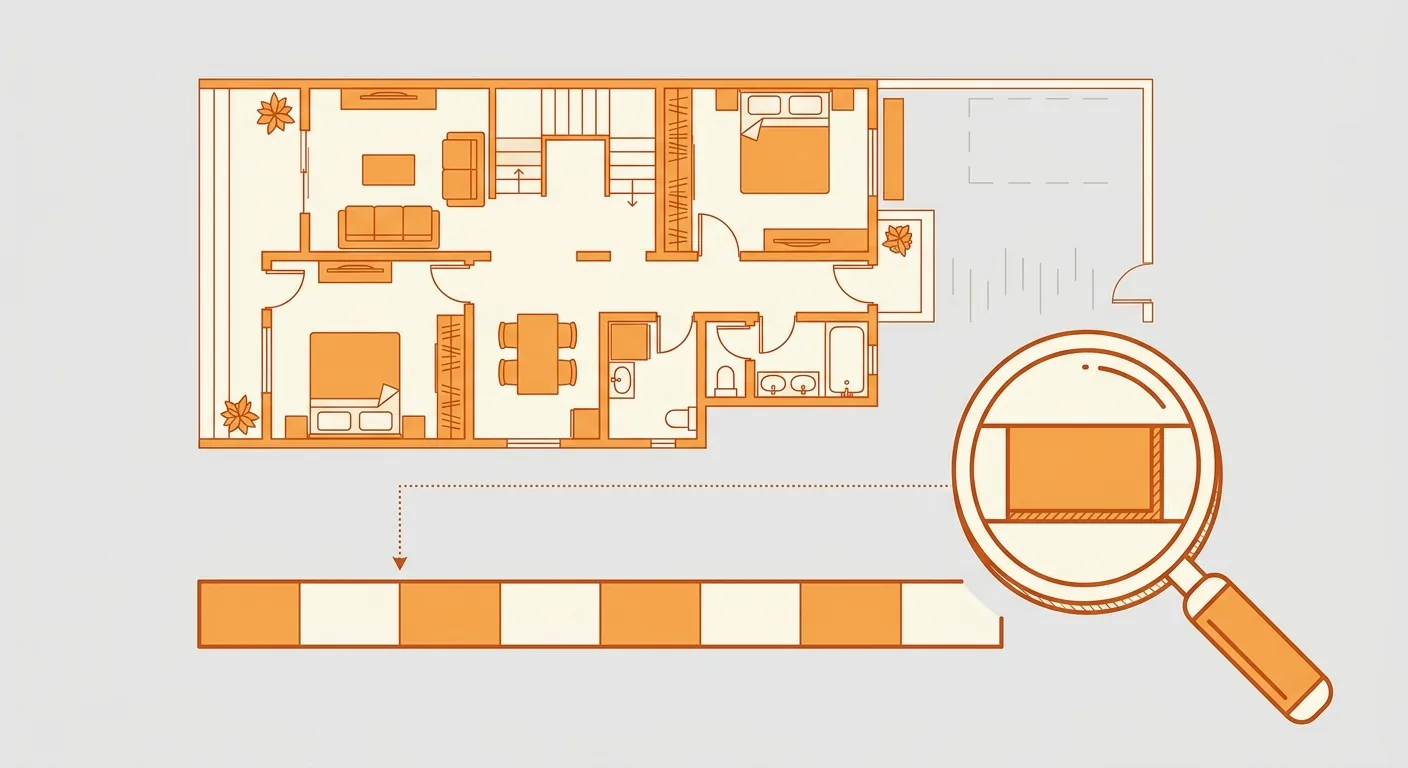
It's not just the list that matters — the drawing does too. Roomfit can export your furnished floor plan, along with the list, as a PNG image or PDF, so anyone can see at a glance what goes where. Having a printable, correctly scaled drawing before ordering online, to bring on-site for alignment, is the most reassuring approach.
Because the drawing has been calibrated to true 1:1 scale, dimensional relationships won't shift when you print or resize it. You won't print it out only to find the proportions look off.
This matters especially when communicating with a contractor. Say "put the sofa here, the TV console against that wall" out loud, and ten contractors might interpret it ten different ways; but hand over a floor plan PNG labeled with dimensions and positions, and they can simply place things accordingly, with far less margin for error. In our experience, one clear floor plan often does more good than a half-hour phone call. Hand over the Excel list, PDF list, and floor plan image together, and shopping, construction, and on-site alignment all have something concrete to work from.
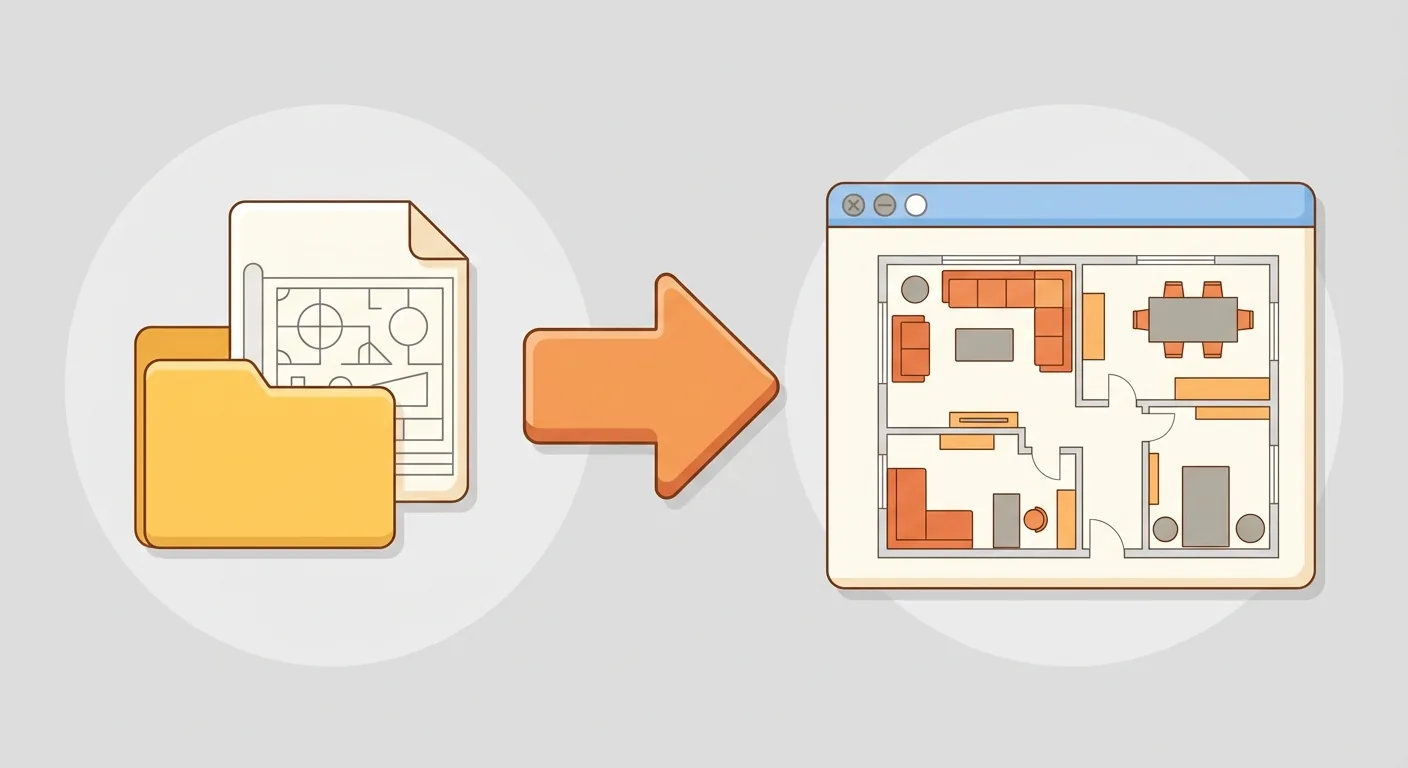
Bringing it all together: family shopping looks at Excel, contractor work looks at the PDF drawing, and on-site alignment uses the printed version. One plan, and everything you need follows from it. If you already have a designer's CAD drawing you want to use as your base, you can also go through importing a designer's DXF file and then place and export from there.
5One Plan, and Everyone's on the Same Page
At its core, the value of exporting a furniture list is "plan once, and everyone gets what they need." Place your furniture at true 1:1 scale into the floor plan in Roomfit, let the list generate itself, then export Excel for family price comparison, PDF for your contractor, and PNG to bring on-site for alignment — the same dataset works for every audience, so what you see and what your contractor sees never disagree.
To learn how to place furniture and calibrate dimensions first, go back to the Roomfit user guide and start with the three steps; to see how measured dimensions turn into numbers on your list, how to use the measuring and scale tools explains it most clearly.
If you're buying a presale home and going through customization, your timeline is tighter — pair this with our new home and presale renovation planning guide; and if you're unsure how big your sofa, bed, or dining table should be, our common furniture size guide will help you fill out your list more precisely. Rather than opening a blank Excel sheet and listing everything slowly by hand, place it once on the drawing and let the list generate itself.
6FAQ
What items should a new home furniture list include?
Organizing by room is clearest. List the sofa, TV console, and coffee table for the living room; the bed, mattress, and wardrobe for the bedroom; the dining table and chairs and refrigerator for the kitchen and dining area. List the big items first, then fill in the small ones — attaching dimensions to every item is most useful. According to the DGBAS Survey of Family Income and Expenditure, Taiwan's average household living space was about 39.8 ping (roughly 131 m²) at the end of 2024 (Executive Yuan national profile, 2025) — get the big items' dimensions right first, and your walkways and traffic flow are already stable.
How should renters put together a lean version?
Follow the principle of "portable, and it fits." Prioritize furniture and storage you can move, and don't duplicate anything your landlord already provides. Since renters often move, the leaner the list, the easier the move. You can first place a movable-version layout in Roomfit's floor plan to confirm it fits your new rental, then decide what to bring and what to replace.
Do I have to place furniture on the floor plan before making a list?
Not necessarily, but placing furniture first is what gives you accurate dimensions and positions. You can list items first and place them later — the more complete the floor plan, the more accurate the list becomes. In our experience, placing first and exporting afterward means the dimensions rarely need revisiting; listing items first and placing them later usually means checking everything again.
Can I still edit the exported Excel file?
Yes. The Excel version is meant for continued editing, price comparison, and adding notes — columns can be added or removed freely. The PDF version, by contrast, is meant for final delivery and resists accidental edits. Export both from the same plan — one to keep editing, one to hand over — and the division of labor is clear.
How accurate are the dimensions on the list?
The dimensions on the list are converted from the scale you calibrated. They give you a solid starting point for direction and purchasing sizes, and their accuracy depends on how precisely you set the calibration baseline. To be candid, we still recommend checking against an actual on-site measurement before placing a final order — online planning handles "place it right, buy fewer wrong items," while the final inch of precision still relies on real-world measurement.
7References
- Executive Yuan National Profile — Housing Conditions and Quality of Living (citing the DGBAS Survey of Family Income and Expenditure, end of 2024), 2025
- NRF × Happy Returns 2025 Retail Returns Landscape, 2025
- Eightx — Furniture and Home Return Rate Benchmarks (2025), 2026
- MoneyWise: Home Renovation Regrets and Costs Survey, 2024