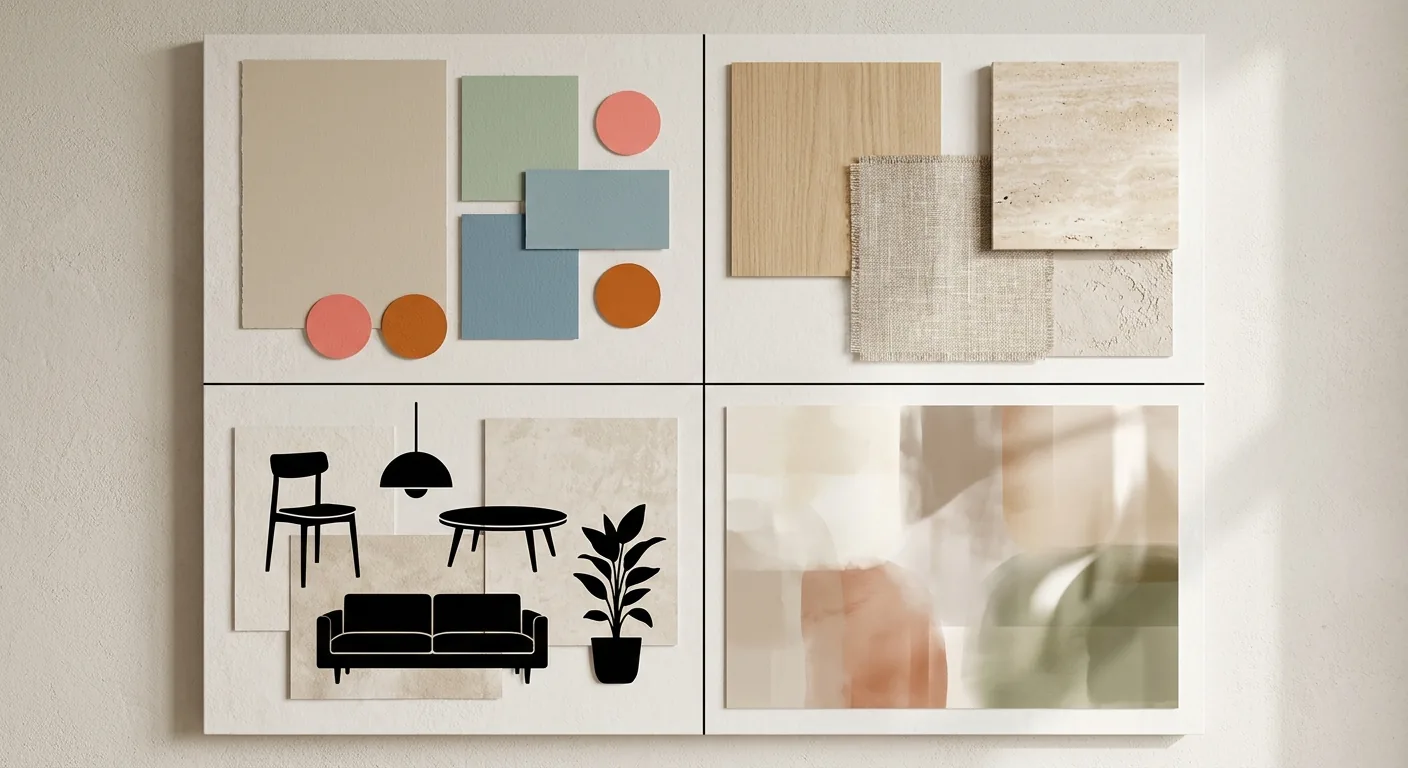
Want to use AI to generate a design for your own home, and a search for "AI interior design tools" turns up dozens of options — it's overwhelming. Which free one is good enough? Which one is worth paying for? And which ones do communities actually recommend?
This piece breaks down how to choose. We'll go from the capability gap between free and paid, how to read community recommendations, and how to write prompts, all the way to self-teaching resources — and end with the one thing most people miss: how to turn a gorgeous generated image into a layout that's actually buildable. To get the full picture of the AI interior design workflow first, pair this with The Complete 2026 Guide to AI Interior Design.
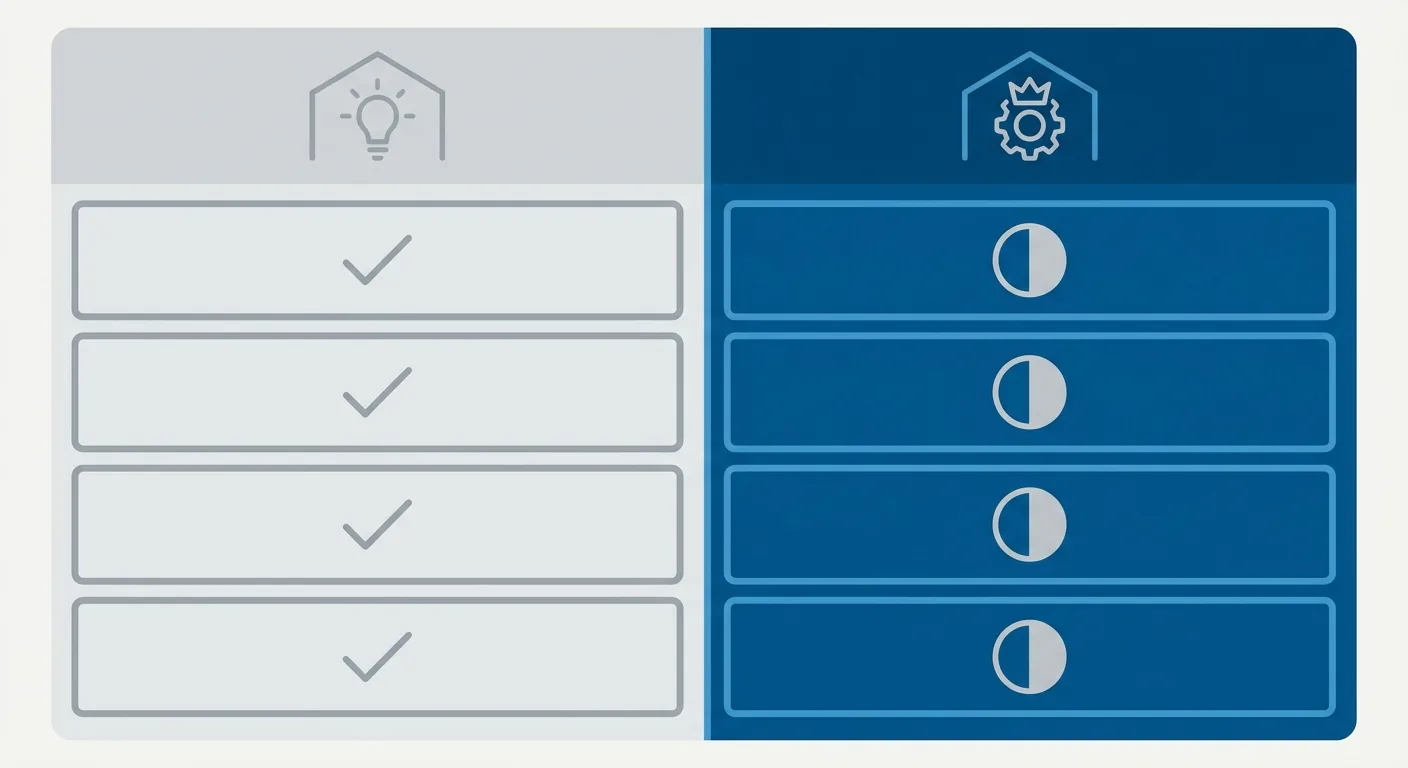
Caption: Free vs. paid AI interior design tools — free versions usually cap image count, limit resolution, and add a watermark; paid versions buy you image quality, control, and batch volume
Key takeaway: Free tools are good enough to test out a style, but whether free or paid, you still need true-to-scale sizing to turn an AI image into a buildable layout.
1Free vs. Paid AI Interior Design Tools: What Each Can Do, Where Each Falls Short
Choosing an AI interior design tool starts with knowing exactly what free and paid each buy you. More people are designing with AI, and tools have split into free and paid tiers. Understand the difference so you don't get swept away by the word "free."
What Free Tools Can Do and Where They're Limited
Free AI interior design tools can actually do quite a lot — restyle, generate mood images, preview different finishes; most core features are there. Good for testing the waters early on and getting a sense of direction.
But the limits are real, usually along these lines:
- Capped image count: only a few generations per day or per month.
- Limited resolution: output tends to be small and gets blurry when enlarged.
- Watermarked: a logo stamped on the image.
- Unclear commercial licensing: could raise copyright concerns if used for client work.
If you just want to nail down a style direction for your own home, a free tool is genuinely good enough.
What the Extra Money Buys You With Paid Tools
So where does the extra spend on paid tools go? Mainly three things: better image quality, stronger control, and larger batch volume.
If you're a heavy user, or take on client work and need to consistently produce high-resolution, commercially licensed images, paid is worth it. On the flip side, if you're just decorating your own home once, you probably don't need that much firepower.
Free/Paid AI Interior Design Tool Capability Chart
Rather than memorizing brands, look at what capability each is good at. We've organized common tool types across generation, drawing, and rendering:
| Tool Type | Common Free-Tier Limits | Strongest Capability | Best For |
|---|---|---|---|
| Text-to-image | Capped image count, watermark | Generation (ideation) | Nailing down a style direction early on |
| Image-to-image restyling | Limited resolution | Drawing (restyling) | You have a real photo and want to preview a finish |
| Professional rendering | Features locked behind paywall | Rendering (photorealism) | Need a photorealistic hero image, client work |
| All-in-one platforms | Low free-tier allowance | All three, moderately | Want to try several capabilities in one place |
The selection principle is simple: decide first whether you need "style ideation" or "photorealistic rendering," then compare against that. Don't just jump at "free."
2What PTT and Dcard Communities Actually Tend to Recommend for AI Interior Design Tools
Search "ai interior design community reviews" and you'll find community discussion actually follows a pattern. New tools keep popping up, and discussion on PTT and Dcard has heated up right along with it. But you need to know how to read community recommendations, or you'll get swept along by the crowd.
The Tool Types Most Often Called Out in Community Discussion, and How They're Rated
Looking at community discussion, what actually keeps coming up isn't a specific brand — it's a few "tool types":
- Text-to-image: the most-used type, with polarizing reviews — some find the results stunning, others complain the spaces don't match reality.
- Image-to-image restyling: heavily discussed because you can use a photo of your own home to preview a new style, which makes it feel very personal.
- All-in-one platforms: beginner-friendly, but often criticized for a stingy free tier and advanced features locked behind a paywall.
How to Read Community Recommendations — The Context Behind a Good Review, and Where the Pitfalls Are
Why does the same tool get raves from one person and complaints from another? Usually it comes down to different use cases.
People using it as an "ideation tool" tend to give it good reviews, because it's genuinely strong at generating mood images. People using it as "construction reference" tend to give it bad reviews, because the dimensions in the image don't add up. So when reading a recommendation, ask first: is this person using it for inspiration, or for construction? Once you know the context, the review actually means something.
What Actual Users Recommend for Each Need: Easy to Learn, Consistent Output, Free Is Enough
If you sort recommendations by need, it breaks down roughly like this:
- Want it easy to learn: go with an all-in-one platform — friendly interface, clear onboarding.
- Want consistent output: go with professional rendering — quality is controllable, but you'll pay for it.
- Want free to be enough: go with the free tier of a text-to-image tool — plenty for nailing down a style.
One thing worth flagging though: no matter how much a community recommends a tool, it only solves "generating something that looks good." Not a single one will confirm whether the dimensions are correct. That's a blind spot shared by every AI tool, and we'll cover how to close that gap at the end.
3How to Write AI Interior Design Prompts That Generate Accurately
How well you write the prompt directly determines how accurate the image comes out — but don't expect it to replace dimensions. Even with perfectly precise instructions, GenSpace's 2025 spatial-awareness benchmark still found that almost all the models it tested struggle to generate images that match specific, quantitative measurements — object size, the distance between objects, and camera distance (GenSpace, arXiv, 2025). So the prompt handles "looking the part" — dimensions need to be checked separately. Get the instructions right first, then talk about making it buildable.
The Four Elements of a Good Prompt — Space, Style, Materials, Lighting
A good AI interior design prompt breaks into four elements — miss one, and AI has to guess a little more:
- Space: room type and rough layout, e.g. "a 33 m² (roughly 10-ping) open-plan living and dining area."
- Style: your design style keywords, e.g. "Japanese minimalist, lots of negative space."
- Materials: main materials, e.g. "light wood floor, white walls, rattan."
- Lighting: light source and mood, e.g. "large windows, natural light, warm."

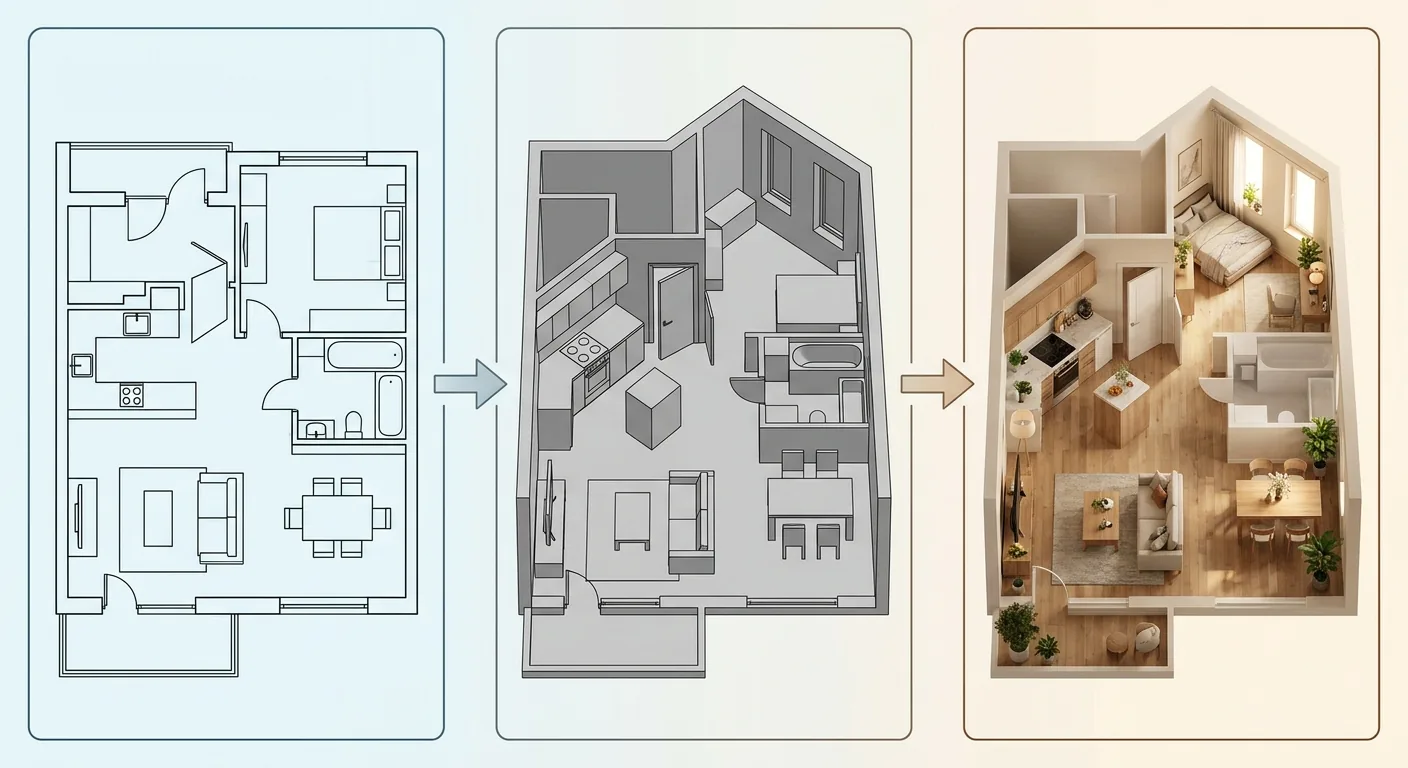
Caption: The four elements of an AI interior design prompt — (1) Space (room type and layout) (2) Style (design keywords) (3) Materials (main finishes) (4) Lighting (light source and mood)
Chinese vs. English Prompt Differences and a Ready-to-Use Template
Most AI image-generation models are trained mostly on English-language data, so English prompts tend to give somewhat more stable results. That said, support for other languages keeps improving — try writing in your native language first, then translating to English and running both to compare.
Here's a template you can adapt directly:
"A 33 m² (roughly 10-ping) open-plan living and dining area, Japanese minimalist style, lots of negative space, light wood floor with white walls, accented with a rattan chair, large windows letting in natural light, warm atmosphere."
Swap in your own home's floor area, style, materials, and lighting, and it's your custom prompt.
What to Do When the Result Isn't Accurate: Negative Prompts and Incremental Tweaks
If the result comes out wrong, don't rush to rewrite the whole thing. Two rescue techniques work well:
First, negative prompts — explicitly state what you "don't" want, like "no clutter, no oversaturated colors." Second, incremental tweaks — change only one variable at a time so you can actually tell which word affected the outcome. Changing too much at once makes it impossible to know what worked.
No matter how accurate the prompt, it only controls how good the image looks. How many centimeters the furniture is, whether the aisle is wide enough — that still needs separate checking. If you also want to make a 3D render, check out The Workflow for Making a 3D Render With These Tools.
4How to Choose AI Interior Design Courses and Self-Teaching Resources
If you want to go further and find a course, first sort out which free and paid resources fit which needs. The tools themselves are easy to pick up — the barrier isn't the tool, it's whether you understand space. Keep that in mind when choosing a course.
Free Self-Teaching Paths (Official Tutorials, Communities, YouTube)
Getting started at zero cost is entirely doable. A tool's official documentation is usually the most accurate source, community members share hands-on experience, and YouTube has plenty of from-scratch tutorial videos. The upside of this path is flexibility and cost; the downside is that the information is scattered and you have to piece it together yourself.
Is a Paid Course Worth It, and How to Avoid Picking a Bad One
Whether a paid course is worth it comes down to how deep it goes. A course that only teaches you to "generate a pretty mood image" is something you can already learn from free YouTube videos — paying for that is a bit of a waste. What's actually worth paying for is a course that teaches "how to make it real," with hands-on assignments — one that walks you through turning an image into something usable, not just something pretty.
Beyond the Tools, What You Really Need to Learn Is "Dimensions and Traffic Flow" Fundamentals
This is the point we most want you to take away. You can learn the AI tools in three days. The real barrier is understanding dimensions and traffic flow.
Whether an image is usable has nothing to do with how gorgeous it is — it comes down to whether the furniture actually fits and whether you can walk through the aisle. That fundamental skill matters far more than learning how to write a good prompt. To build this up, keep reading the next section and How to Choose Interior Design Software and Online Tools.
5After Generating: Turning an AI Render Into a Buildable, Dimensioned Layout
Generating the image is only half the job — turning it into a buildable layout is the part that matters. The proportions and aisles in an AI render are whatever the model improvised, and GenSpace's benchmark confirms mainstream models fail at measurement precision (GenSpace, arXiv, 2025). So building directly from the image will get you into trouble — the right approach is to take AI's style draft and re-place everything with real dimensions.
Why You Can't Build Directly From an AI Render's Proportions and Aisles
Because AI doesn't understand centimeters. The aisle it draws might be under 60 cm, the furniture clearance might not be enough to pull out a chair — none of that is visible on a beautiful image. Build directly from it, and the contractor will get halfway through before discovering the dimensions don't add up; tearing it down and redoing it is money wasted.
Re-Placing AI's Style Draft With True-to-Scale Sizing
The correct approach: keep the style direction AI gave you, but re-place the actual furniture placement using true-to-scale sizing.
Roomfit is the tool that handles this step. Its core isn't generating images from scratch — what it does is place furniture into your home's floor plan using real centimeters, automatically marking clearances and snapping to walls. That sofa you loved in the mood image — how much aisle space is actually left in the living room once it's placed, whether the TV cabinet door will hit something when it opens — you can see all of this clearly the moment you place it. Once the placement is right, you can also render it with the built-in AI rendering (which uses points). It's a relay with those AI tools, not a replacement.
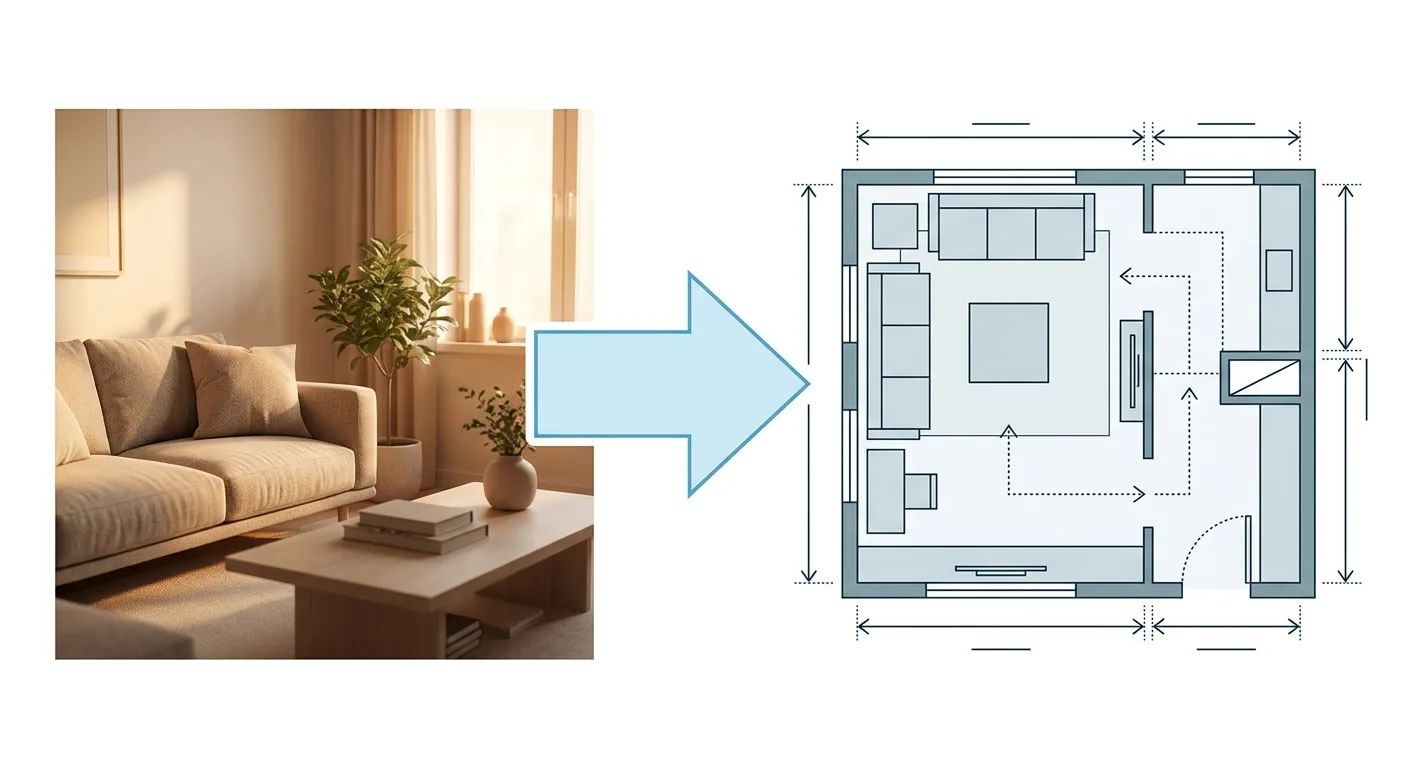
Caption: Re-placing AI's style draft with true-to-scale sizing — confirming the aisle, clearance, and traffic flow are all correct is what makes a layout actually buildable
Confirm It's Walkable, Openable, and Buildable — Then Circle Back for the Beautiful Image
Get the order right, and everything falls into place: place it correctly first, confirm it's walkable, openable, and buildable, then circle back and hand it to AI for the beautiful image. That way the image you end up with is both good-looking and actually buildable.
To generate a mood board and narrow down your style even further, check out Using AI Tools to Generate a Mood Board. To understand the whole workflow from start to finish, go back to The Complete 2026 Guide to AI Interior Design for the full picture.
6FAQ
Which AI interior design tool do people recommend on PTT?
PTT and Dcard discussions mostly recommend "tool types" rather than one specific product. Text-to-image is the most-used and good for nailing down a style; image-to-image restyling feels the most personal; all-in-one platforms are beginner-friendly but often criticized for a stingy free tier. When reading recommendations, remember to first figure out whether the reviewer is using it for ideation or for construction, so the rating actually means something.
Are there truly free AI interior design tools?
Yes. Quite a few AI interior design tools offer a free tier, usually with limits on image count, resolution, or a watermark, and commercial licensing is often left unclear — good for testing out a style early on. If you're just nailing down a direction for your own home, the free tier is usually enough; if you take on client work or need high resolution, consider paying, since that buys you quality, control, and batch volume.
How do I write AI interior design prompts (instructions) more accurately?
Break the instructions into four elements — space, style, materials, lighting — and spell each one out clearly, so AI has less to guess. Most models are trained on English-language data, so English prompts tend to be a bit more stable; try writing in your own language first, then translate to English and compare. When results are off, use negative prompts to rule out unwanted elements, and tweak one variable at a time. But remember: GenSpace's 2025 benchmark found models still fail at dimensional measurement, so prompts can't save you on dimensions — that needs a separate check.
Are AI interior design courses worth paying for?
It depends how deep the course goes. A course that only teaches you to generate a mood image is mostly learnable from free YouTube videos; what's genuinely worth paying for is a course that teaches "how to make it real," with hands-on assignments. The AI tools themselves take about three days to learn — the real barrier is understanding dimensions and traffic flow, which is what actually determines whether an image is usable. Prioritize courses that cover this fundamental skill.
7Conclusion: Pick the Right Tool, and Get the Order Right Too
There are a lot of AI interior design tools out there, free and paid each suit different scenarios, and community recommendations follow a pattern too. But no matter which one you choose, they all share the same blind spot — they only handle making it look good, not making it fit correctly.
So picking the right tool is only half the job — the order matters just as much: use Roomfit to place furniture, aisles, and traffic flow with true-to-scale sizing first, confirm it's buildable, then hand it to AI for the beautiful image. If you want to try turning an AI image into something real, use Roomfit to lay out your actual home's layout first and lock down the dimensions.
8Related Reading
- Free Interior Design Software Picks and a Tested Chinese-Language Roundup
- 3D and AI Interior Design Software and Furniture Model Library Guide
- Interior Design Software Recommendations: 9 Popular Tools Tested and Compared