Design Software & Tools
You want to sketch out a floor plan yourself, but you don't want to spend money on software right off the bat — we get it. The problem is, the moment you search "free interior design software" online, every download page looks flashier than the last, and only after you actually install it do you find out — saving a file requires payment, or exports come stamped with a giant watermark. Free, it turns out, doesn't mean free of cost.
This guide lays it all out upfront. We'll start by covering the five most common limits of free versions, then give you a hands-on tested roundup of desktop and web tools that have a Chinese interface and are genuinely free to use, and finish by showing you how to get furniture placed at true "1:1 scale" in a free tool first — so you don't end up downloading a pile of apps that none of them actually work for you. For the full lay of the land on tools first, head back to our complete interior design software roundup.
Caption: Free interior design software is appealing, but check the watermark, export, and object-count limits before you download — it can save you a huge amount of trial-and-error time
Individual (DIY) users are the fastest-growing segment of the interior design software market, and more and more free tools are being built to chase exactly that demand (Grand View Research, 2026). Picking the right free tool saves you more than just money.
Here's the bottom line: what trips people up most in free versions comes down to five things — watermarks, an export-count cap, object quantity limits, rendering or cloud-quota limits, and commercial licensing being billed separately. Checking the limits before downloading beats installing something and discovering it doesn't work for you. Free tools are thriving precisely because individual DIY users are the fastest-growing segment of this market (Grand View Research, 2026), but every vendor defines "free" differently.
These five limits aren't meant to talk you out of using free tools — they're meant to help you find the right match. Most everyday home furnishing rarely hits the ceiling; it's only when you're going commercial or need a high-resolution render that upgrading becomes worth considering. In other words, figure out how far you actually need to go this time first, then look back at whether the free version covers it — rather than getting swept along by the word "free" and downloading a pile of apps only to find none of them fit.
The most deflating pitfall is spending time on a beautiful layout, only to have a giant watermark stamped right across the middle when you export it. Some tools also cap how many exports you get per month in the free tier, or crush the resolution down so low that printing it out to show a contractor is basically unreadable. These limits only show up when you actually "output the result," which makes them hard to spot beforehand — all the more reason to ask about them upfront.
The second category of pitfall hides in "usage volume." Free versions often limit how many pieces of furniture a single project can hold, or how many times per month you can run cloud rendering — go over that and you either wait or pay up. There's also one easily-overlooked point: commercial licensing. Using it for your own home is fine, but if you're taking on paid design work, most free-tier licenses don't cover that, and you'll need to sort out something separate.
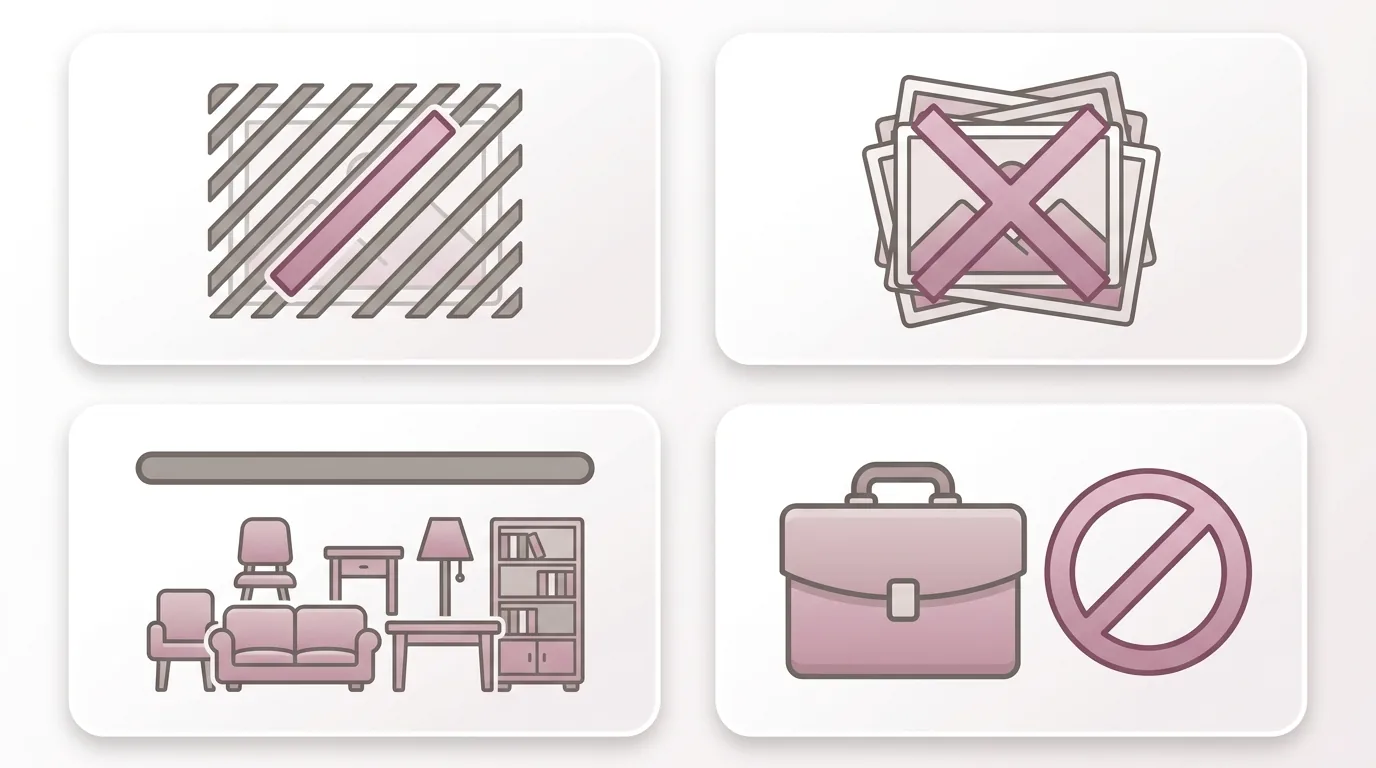
Caption: Four common limits of free versions — (1) watermark (2) export-count cap (3) object quantity/rendering quota (4) commercial licensing billed separately
Here's the list straight up: for download-and-install software, Sweet Home 3D is a free option that has stood the test of time; for no-install web-based tools, SketchUp Free, Planner 5D, and Roomfit can all be used for free. What they have in common — you don't need to pay a cent to sketch out a floor plan and place furniture into it. Pricing and free-tier limits change quickly, so treat the table below as directional only — check the official site for current details.
| Tool | Type | Chinese Interface | What the Free Tier Covers | Best For |
|---|---|---|---|---|
| Sweet Home 3D | Desktop/Web | Traditional Chinese available | Fully free, 2D floor plan + 3D preview | Beginners wanting a free way in |
| SketchUp Free | Web | Available | Free 3D modeling in the web version | Wanting to learn 3D modeling |
| Planner 5D | Web/App | Available | Free 2D/3D drawing, basic furniture library | Wanting to draw a plan and get 3D in one place |
| Floorplanner | Web | Simplified Chinese | Free online floor-plan layout | Quick floor-plan layout |
| Roomfit | Web | Traditional Chinese | No-download, browser-based, 1:1 furniture placement, auto-labeled spacing | Wanting to confirm fit first |
If you want something to download and install on your computer, Sweet Home 3D is the long-standing free heavyweight — open-source, available in Traditional Chinese, covering both 2D plans and 3D, and a great fit for beginners with zero budget. SketchUp Free, meanwhile, is free in its web version with nothing to install, letting you try your hand at 3D modeling without spending anything. The thing to watch with both is the learning curve — the more freedom a tool offers, the more patience it takes to get up to speed. If you also want something you can lay out on your phone, pair it with our free interior design app list.
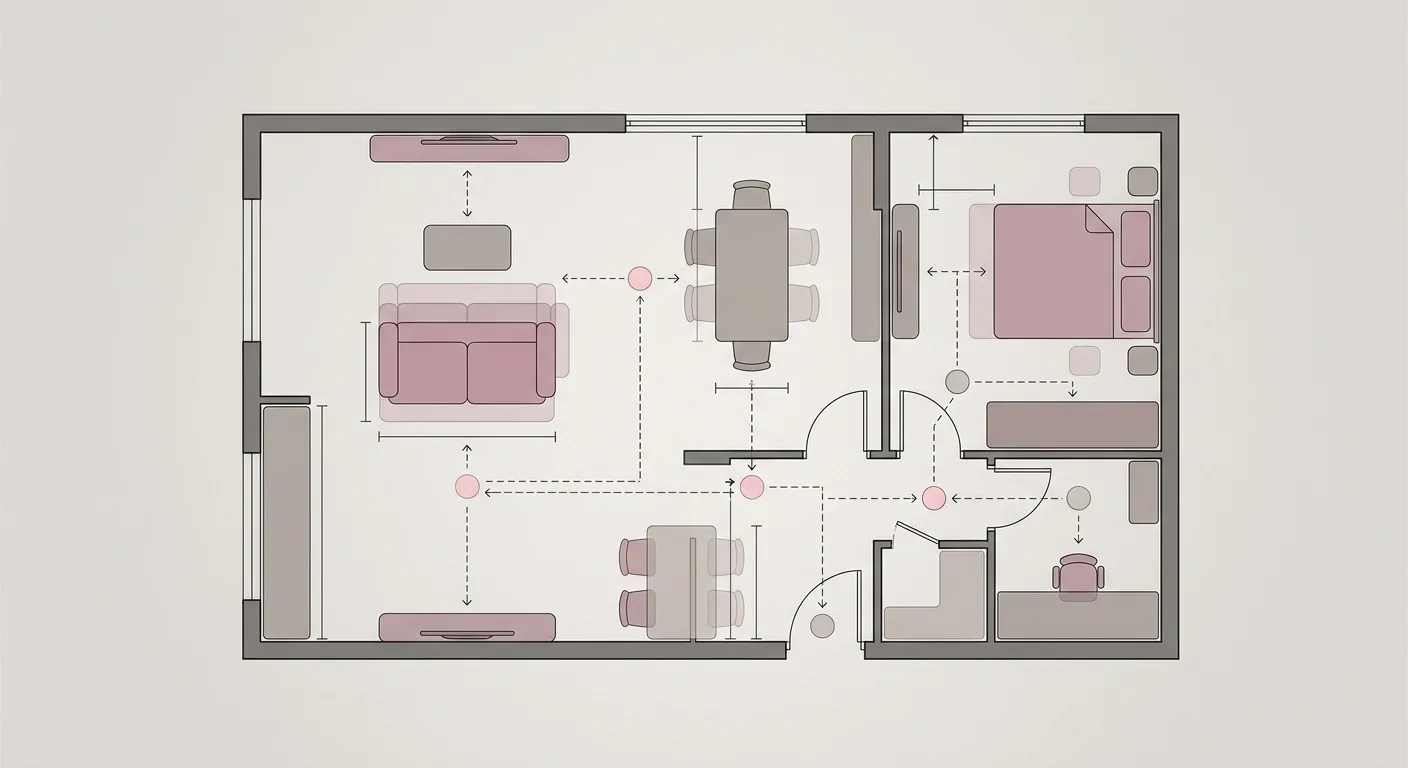
Don't want to download anything or tax your computer's performance? No-install web tools are the lighter option. Planner 5D lets you draw 2D/3D for free and switch between views; Roomfit lets you use true 1:1 dimensions to place furniture and automatically label walkway spacing, right in your browser, for free — so you can confirm "will it fit" before you even talk about style. That's precisely the objective difference between it and most tools that lead with pretty free 3D renders — the others hand you a nice-looking image first, while Roomfit gets your dimensions right first. For more web-tool comparisons, see our recommended no-install browser-based design platform.
With so many free tools out there, how do you filter quickly? Our experience says look at three things. First, how solid the Chinese interface actually is — actually switch it to Chinese and look, don't just trust what the landing page claims. Second, whether the feature you'll use most is locked behind a paywall, like exporting or collaborative editing. Third, how steep the learning curve is — if you're only laying out the living room once, don't pick a piece of professional software that takes three days to learn. Once a free tool clears these three checks, it counts as genuinely "free and actually usable" for you.

Caption: Three criteria for picking a free tool — (1) how solid the Chinese interface actually is (2) whether your everyday features are locked (3) how steep the learning curve is
Want to do 3D for free? The answer is "yes, but there's a ceiling." Free 3D tools can generally give you a basic 3D preview, but they hit a clear wall in rendering quality, model library size, and export resolution — that's the most realistic trade-off behind the phrase "free 3D interior design software." Once you're clear on whether you want "a sense of the 3D feel" or "a print-quality render," the choice becomes obvious.
One thing we have to flag: don't let a beautiful 3D image distract you from real-world dimensions. No matter how gorgeous the render, it's all for nothing if the furniture doesn't fit or the walkway is too narrow.
Free 3D can generally help you visualize a room in 3D and check the overall feel from different angles — enough for getting a sense of the mood. The sticking points are usually in three places: rendering comes with watermarks or resolution limits, the free model library has slim choices, and complex scenes get slow or make you wait in a queue. If you're just looking at it yourself, these limits are mostly tolerable; if you need it for communication or printing, then it's worth weighing whether to upgrade.
There's another often-overlooked trade-off — time cost. Rendering a decent-looking free 3D image often takes a fair amount of time adjusting lighting, tweaking materials, and waiting for the render to finish. For someone who just wants to confirm "will this arrangement work," that time is honestly spent in the wrong place. Rather than wrestling with rendering in a free 3D tool, get the dimensions right first, and only worry about a pretty image once you actually need one.
Our own approach splits the work: use a 2D tool first to get true 1:1 dimensions right and confirm it's workable, then move into 3D for the polished render. This is the most efficient approach and the least likely to send you back to the drawing board — you won't spend ages rendering only to discover the sofa can't even fit through the door. If you want to go deeper into 3D and AI tools, follow up with our 3D & AI interior design software guide.
Here's the quick call: once you need commercial licensing, need to export high-resolution images, need multi-person collaboration, or are simply tired of dealing with installation and updates, that's the point where a free desktop tool hits a wall. From there, you have two paths — upgrade to a paid version, or switch straight to a no-install online tool, skipping the download and hardware requirements entirely.
Renovation is a significant investment, and it's worth putting your tools to good use. U.S. homeowners alone spend a considerable amount on home improvements and repairs every year — getting your plan right in a tool first typically saves far more than the cost of the software itself.
If you'd rather not deal with installation and updates at all, switching to a no-install online tool is the easiest route — it doesn't tax your hardware, carries over when you switch devices, and lets you share a link to collaborate. Ultimately, picking a tool comes down to matching it to your needs — there's no need to force yourself into a single product. Get clear on what you actually need this time, and the answer will be right there.
One last practical piece of advice: rather than downloading five free programs at once and slowly trying each one, pick one that's "no-install, has a Chinese interface, and shows true dimensions" first, get your floor plan right, and only switch if you hit a wall. The cost of trial and error usually outweighs whatever price difference exists between the software options themselves. To compare all your options, you can always head back to our complete interior design software roundup.
Yes. Sweet Home 3D is an open-source, completely free desktop option that supports Traditional Chinese; Roomfit, an online tool, also has a Traditional Chinese interface and is free to use. When choosing a Chinese-language option, we recommend actually switching the interface to Chinese and looking — some tools advertise multi-language support but still have parts left in English, which is hard to tell from the landing page before you download.
For everyday home furnishing, it's usually good enough. Core needs like drawing a floor plan, placing furniture, and confirming dimensions can all be done with the free tier. It typically falls short when you need commercial paid work, high-resolution print-quality output, or multiple people collaborating at the same time — that's when upgrading or switching to an online tool is worth considering.
The main differences are in rendering quality, model library size, and export limits. Free 3D can give you a basic 3D preview, but rendering often comes with a watermark or crushed resolution, the free model library is smaller, and complex scenes render more slowly. We recommend getting your dimensions right in 2D first, and only deciding whether to pay for 3D once you've confirmed it's workable.
It depends on the export quality and whether dimensions are labeled. If the free version's export resolution is high enough and dimensions are clearly labeled, it's fine for basic communication; but if it's watermarked or heavily compressed, a contractor may not be able to read it clearly. The key is having accurate, real-world dimensions on the drawing — which is exactly why we recommend getting your floor plan right in a 1:1 tool first.
Arrange furniture in your space at true 1:1 scale with Roomfit and see exactly how much walkway is left — no install, no sign-up.
Start with Roomfit →