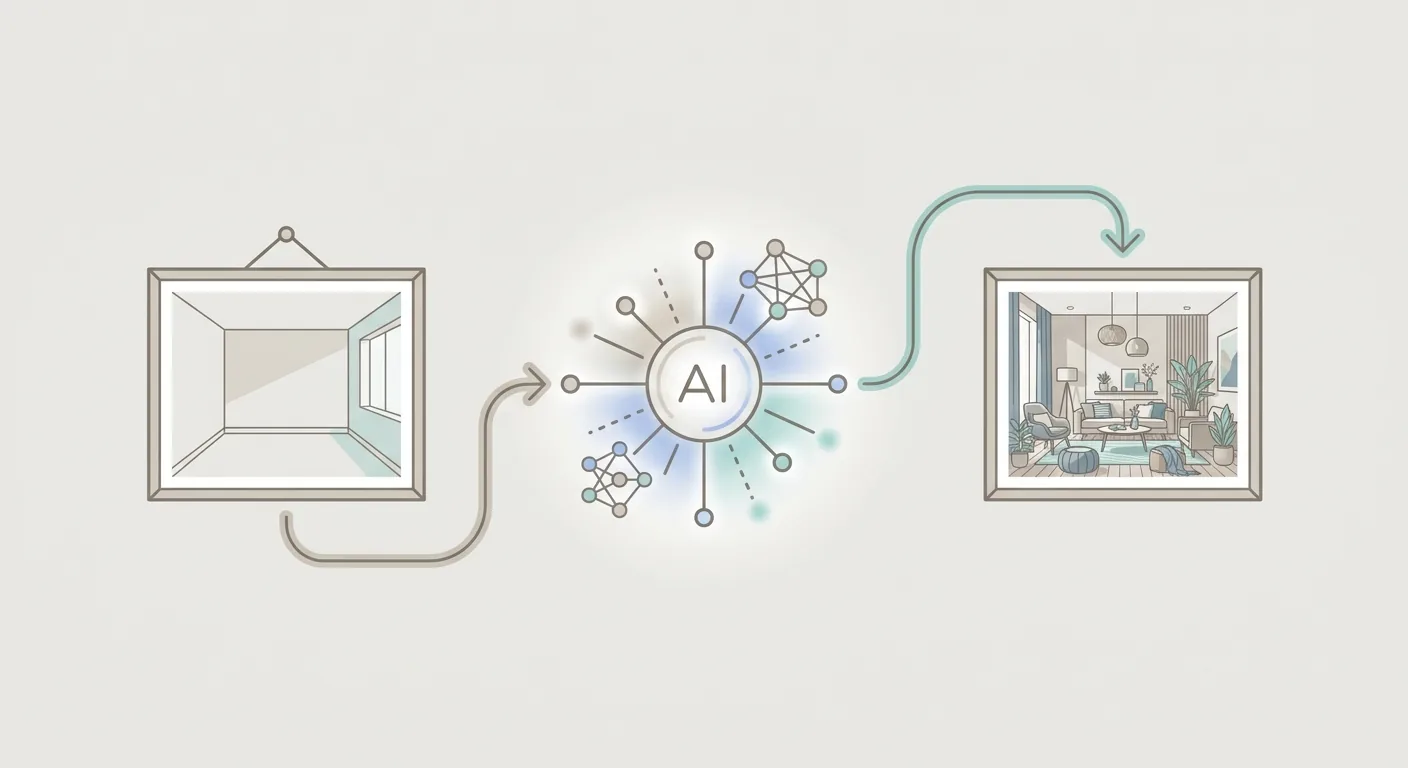
Head full of ideas before a renovation, but can't quite put into words what "feeling" you're actually after? When you talk to family about the cream style you want, and what they picture is a totally different cream style. What you need at this point is a mood board.
This piece explains what a mood board is, what role it plays in interior design, how to build one step by step, and how to generate one quickly with AI. At the end, we'll cover something a lot of people miss — a mood board defines the style, but once the style is right, the dimensions still need to fit.
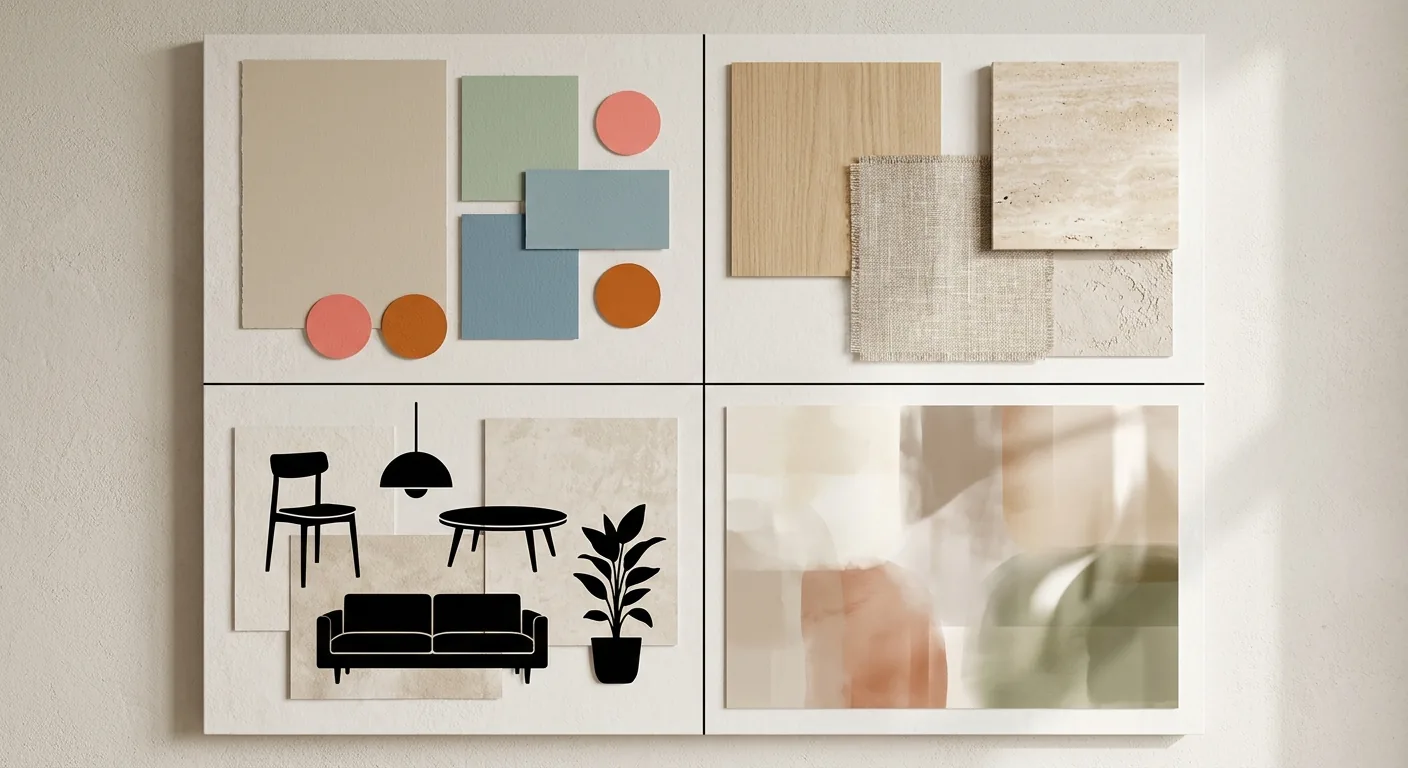
Caption: What a mood board is made of — (1) main and accent colors (2) material textures (3) furniture imagery (4) style keywords, four categories of elements collaged onto one board
Key takeaway: The trend toward AI-assisted design is accelerating. A mood board makes style concrete, but it only defines the mood, not the dimensions — you still need true-to-scale sizing to place furniture into your actual home.
1What Is a Mood Board? Its Role in Interior Design
A mood board collects your desired style, color palette, materials, and furniture imagery onto a single board, turning an abstract "feeling" into a visible direction. This visual communication tool is now increasingly paired with AI, and mood board creation is evolving right along with it.
Defining a Mood Board — Visually Distilling Style, Color, and Materials Onto One Board
A mood board, literally translated, is a "board for mood or atmosphere." It's a collage that brings your desired elements together: main and accent colors, material textures, the look of your furniture, a handful of style keywords.
Its value lies in "making the feeling concrete." Saying "I want something warmer, Scandinavian-ish" out loud is vague; but lay out a mood board, and everyone instantly understands what you're going for.
Where a Mood Board Sits in the Interior Design Process (the Ideation and Communication Stage)
A mood board belongs to the very first stage of the design process — ideation and communication.
Its job is to align your taste with your family's or your designer's. Renovating is a group effort, and what you think of as minimalist might look empty to someone else. A mood board gets everyone aligned on "style direction" first, so you don't discover halfway through that you were all picturing something different.
Mood Board vs. Floor Plan vs. Render — What Each One Solves
These three things often get confused, but each handles its own job:
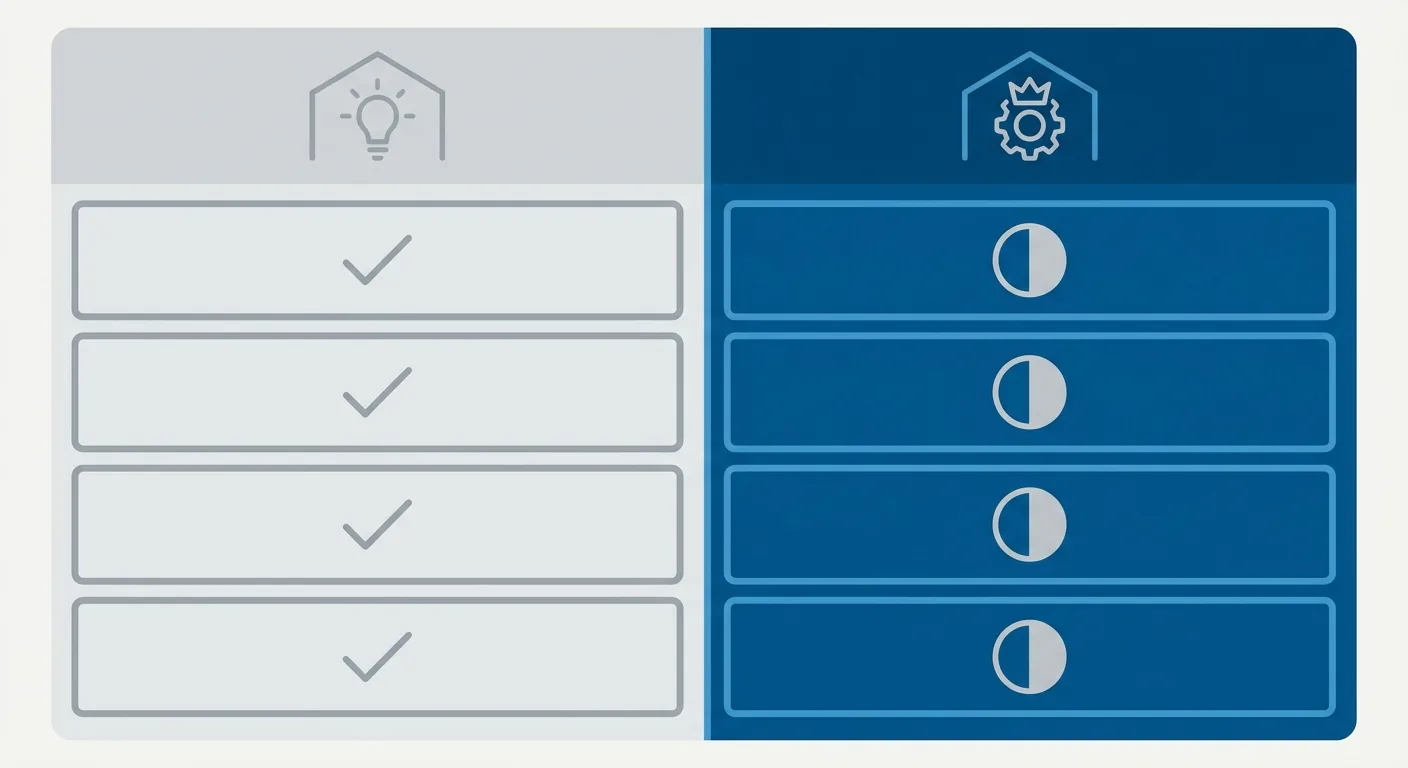
| Tool | What It Solves | Question It Answers |
|---|---|---|
| Mood board | Mood and style | "What feeling are we going for?" |
| Floor plan | Dimensions and layout | "Does the furniture fit?" |
| Render | Presentation and realism | "What will it actually look like?" |
The three have different jobs, and none is optional. What a mood board handles is the very first question: "does the feeling seem right?" To see how a mood board, floor plan, and render connect across the whole workflow, start with The Complete 2026 Guide to AI Interior Design.
2How to Make a Mood Board: Narrowing Down Materials, Color, and Style Imagery
Making a mood board is a three-step process, and the key is narrowing down, not collecting. There are more and more tools for making mood boards now, but no matter how many tools you have, the work of narrowing down is still yours to do.
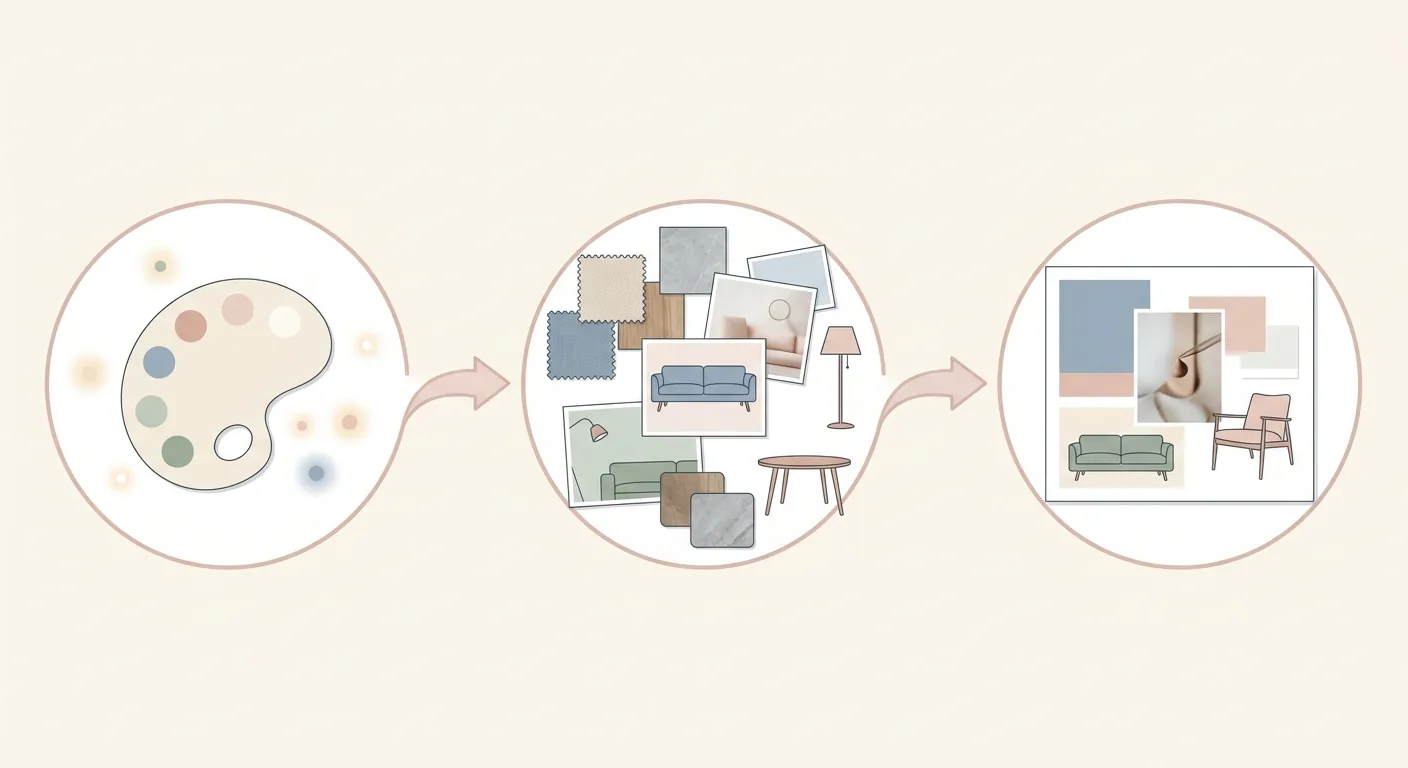
Caption: The three steps of making a mood board — (1) define your style keywords and main color (palette) (2) collect materials, furniture imagery, and reference photos (3) narrow down the layout — cut down to only the elements that best represent your direction
Step 1: Define Style Keywords and Your Main Color (Color Principles)
The first step is setting direction: pick a few style keywords (like "wabi-sabi, negative space, warmth"), then settle on a main color.
There's a handy color rule called 60-30-10: the main color takes up about 60%, secondary color 30%, and accent color 10%. For example, cream white as the main base color, light wood as the secondary, and a touch of deep green as the accent. Get the ratio right and everything reads as coordinated, instead of scattered and mismatched.
Step 2: Collect Materials, Furniture Imagery, and Reference Photos
Once you've set the direction, step two is collecting material: material textures, furniture styles, and photos of spaces you like. Sources can be broad — real photos, magazines, online image libraries all work.
At this stage, cast a wide net and collect everything you like first. Wood grain, fabric, rattan, stone — gather a round of every texture you're drawn to, and filter in the next step.
Step 3: Narrow Down the Layout — Keep Only the Elements That Best Represent Your Direction
Step three is the crucial one, and the step most people botch — narrowing down. Take everything you collected and cut it down to just the handful of images that best represent your direction.
The key is subtraction. A good mood board isn't a mishmash of everything you want — it's clear, restrained, with an obvious direction. Cut the ones that are "not bad, but not essential," and what's left is your real style. To dig deeper into the details of various styles, see How to Choose an Interior Design Style.
3Quickly Generating a Mood Board With AI and Online Tools
When you're out of inspiration, using AI to quickly generate a mood board as a starting point is convenient — but don't treat it as a dimensional reference. The furniture proportions in an AI-generated mood board are purely illustrative of mood — GenSpace's 2025 spatial-awareness benchmark found that mainstream image-generation models still have significant limitations with 3D details such as object placement, spatial relationships, and measurements (GenSpace, arXiv, 2025). It gives you style, not dimensions.
How to Use AI to Generate Mood Board Imagery and Color Schemes
AI is great at helping you get a starting point when you're out of ideas. Give it a few style keywords, and it can quickly generate a whole set of imagery and color scheme options for you to build on from there.
The approach is similar to general AI image generation: describe the style, mood, and tone you want, generate several, and pick the direction that appeals to you. For AI tools and prompt techniques specifically for generating mood boards, see AI Tools and Prompts for Generating a Mood Board.
How to Choose an Online Mood Board/Collage Tool
Besides AI generation, there are also plenty of online collage tools that let you arrange material yourself into a board. When choosing, look at three aspects:
- Ease of use: is the interface intuitive, does dragging and dropping feel smooth?
- Asset library: are the built-in images, materials, and color swatches sufficient?
- Collaboration and sharing: can you share it in real time with family or a designer?
Same rule as always: remembering capability matters more than remembering brand names. Pick strong collaboration features if you need to collaborate, pick a rich asset library if you need lots of material.
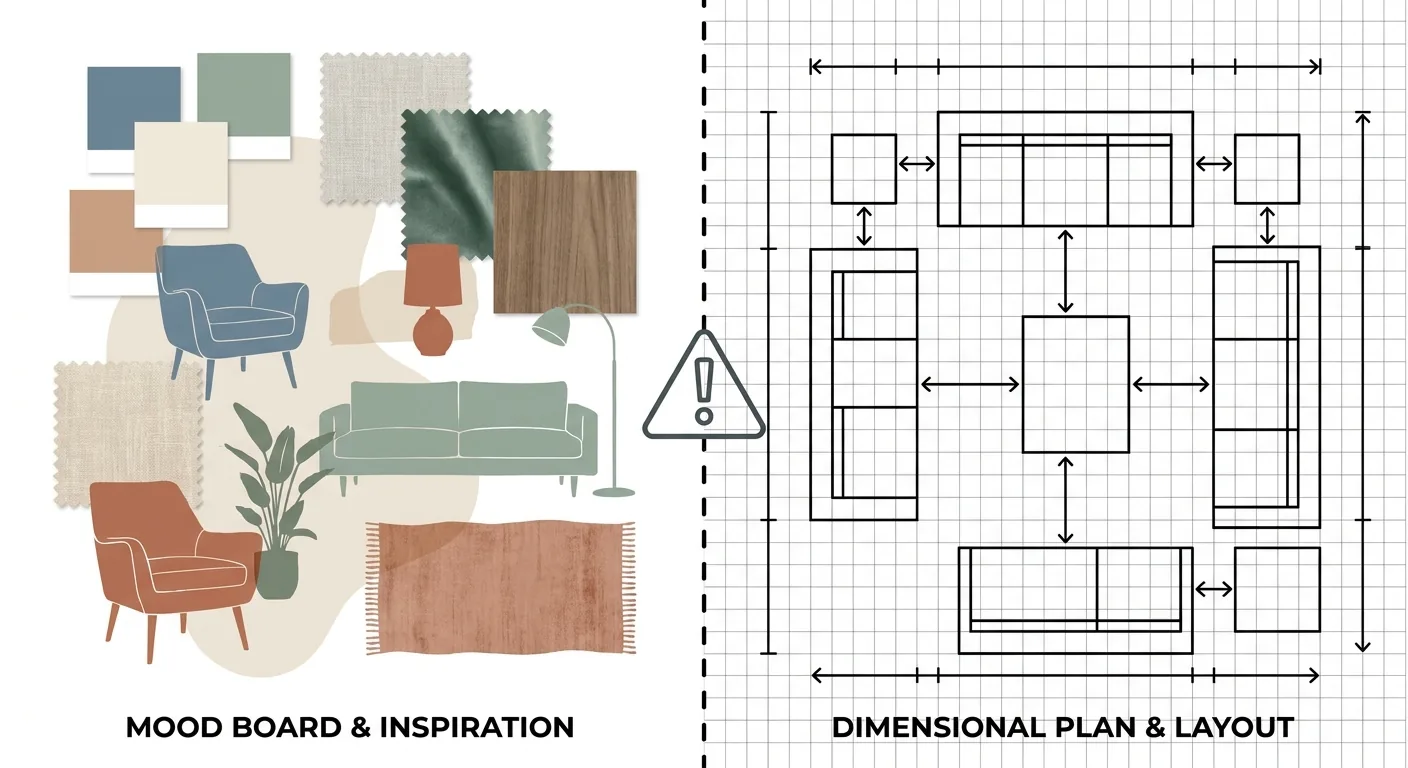
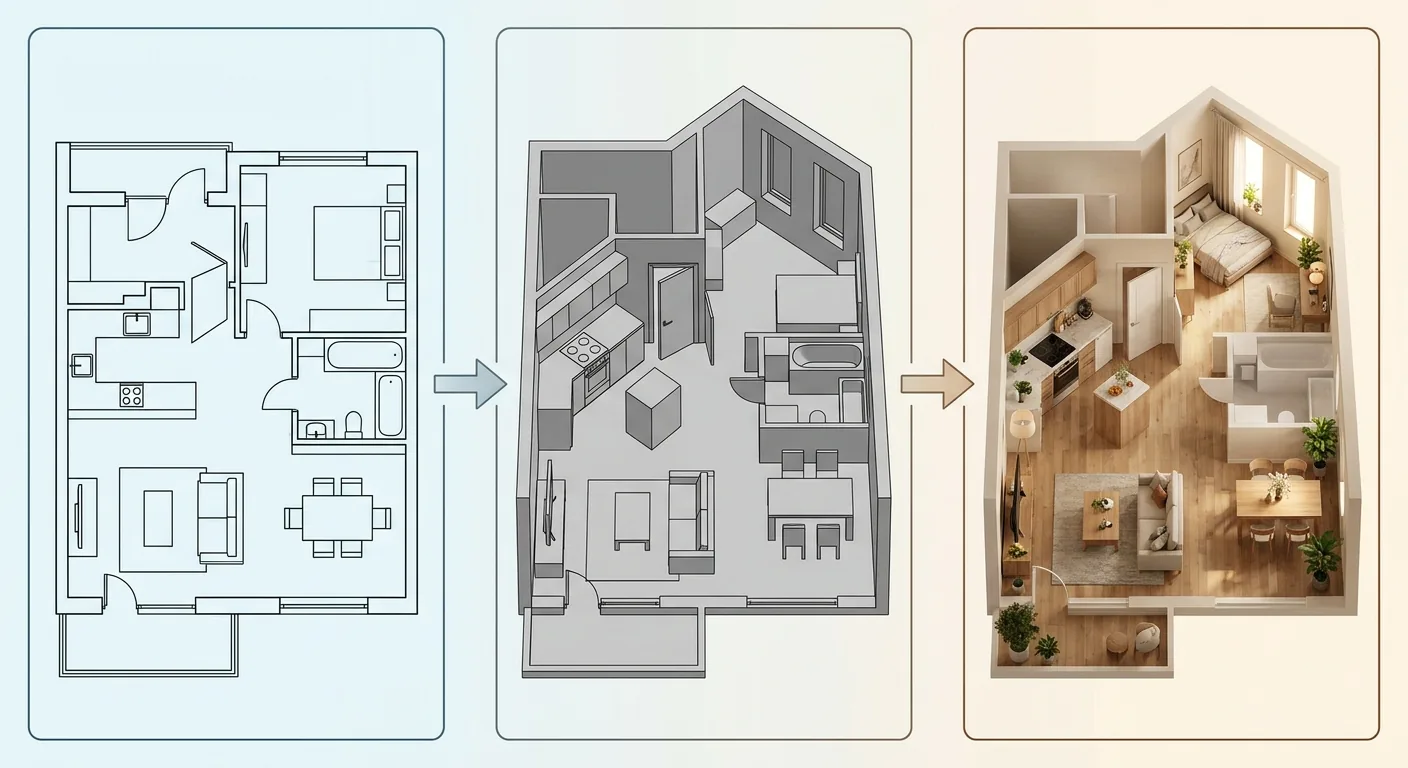
Caption: An AI-generated mood board (left) only sets the style and color scheme — the furniture proportions in it are purely for mood; the actual dimensions still need to come from a true-to-scale floor plan (right)
An AI-Generated Mood Board Looks Good, But Don't Treat It as a Dimensional Reference
One important reminder here: an AI-generated mood board only sets style and color scheme. The furniture proportions and the size of the space in it are all "mood illustration" — not real dimensions.
While building Roomfit, we've seen countless examples of this — a mood board that looks stunning, with a sofa drawn at a completely arbitrary proportion that simply won't fit if you try to place it in a real room. So a mood board is great for nailing down style, but don't treat it as a dimensional reference. That's exactly the point of the next section.
4From Mood Board to Actual Furniture Placement: Style Right, Dimensions Have to Fit Too
Once the mood board defines the style, there's still half a step left: placing the chosen furniture into your home's layout at true-to-scale sizing. The AI interior design market is projected at about USD 4.0 billion in 2026 (Grand View Research, 2026) — visualization tools keep getting stronger, but none of them answer the question "does this furniture actually fit in my home?" That step needs a dimensional tool to fill in.
A Mood Board Only Defines "Mood Direction" — Not Whether the Furniture Fits
Let's be clear about this gap: a mood board lets you confirm "we're going wabi-sabi, we're going with a cream palette" — that's the mood direction.
But it won't tell you whether that sofa you fell for, that dining table you're drawn to, actually fits in your home. Getting the style right is step one; getting the dimensions to fit is what actually makes it livable.
Using True-to-Scale Sizing to Place the Mood Board's Furniture Into Your Actual Layout
The bridge is simple: take the furniture selected on the mood board and place it into your home's floor plan at true-to-scale sizing, confirming the dimensions, aisles, and traffic flow all work.
Roomfit is the tool that handles this step. It's not a mood board tool — what it does is place furniture into your home's layout using real centimeters, automatically marking clearances and snapping to walls. That sofa you fell for on the mood board — exactly how much aisle space is left once it's placed in the living room, whether the TV cabinet door will hit something when it opens — you'll see all of this clearly the moment you place it. It handles exactly what a mood board doesn't: "are the dimensions right."
Once Dimensions Are Confirmed, Style and Construction Can Both Hold Up
Style right, and dimensions right too — only when both are true do you have a design that's actually buildable.
A mood board helps you nail down the "feeling"; Roomfit helps you nail down the "dimensions" — one after the other, in relay, so your renovation doesn't stay beautiful on paper while getting stuck on-site. To understand the whole AI-plus-dimensions workflow, go back to The Complete 2026 Guide to AI Interior Design for the full picture; if you also want a 3D render, check 3D Interior Design and Rendering Tutorial.
5FAQ
What exactly is a mood board?
A mood board collects your desired style, color palette, materials, and furniture imagery onto one board, turning an abstract "feeling" into a visible direction. It belongs to the ideation and communication stage at the very front of the design process, used to align your taste with your family's or your designer's. The trend toward AI-assisted design is accelerating, and mood board creation increasingly incorporates AI generation.
What's the difference between a mood board, a floor plan, and a render?
The three handle different jobs. A mood board handles "is the mood and style right," a floor plan handles "does the dimension and layout work," and a render handles "does it look the way it will actually look." A mood board comes first and sets direction; a floor plan confirms whether the furniture fits; a render visualizes the finalized design as a photorealistic image. Ideally you use all three in a design project, each solving a different problem.
Can I use AI to generate a mood board? Is it accurate?
Yes, and it's quite convenient — good for a starting point when you're out of ideas. Give it a few style keywords and AI can quickly generate imagery and color scheme options. But be aware that an AI-generated mood board only sets style and color scheme — the furniture proportions in it are purely for mood, and GenSpace's 2025 benchmark found models still have significant limitations with 3D details such as object placement, spatial relationships, and measurements (GenSpace, arXiv, 2025). So it can serve as a style reference, but it should never be treated as a dimensional reference.
What should I do after finishing a mood board?
The next step is turning the style into real dimensions. A mood board only sets the mood direction — it won't tell you whether the furniture you selected actually fits in your home. The right move is to take the furniture chosen on the mood board and place it into your home's floor plan at true-to-scale sizing, confirming the dimensions, aisles, and traffic flow all work. Only once both style and dimensions hold up is the design actually buildable.
6Conclusion: Style Right, Dimensions Have to Fit Too
A mood board is the best communication tool before a renovation. It turns a vague "feeling" into something concrete, letting you align on style with family or a designer before you're halfway through and realize everyone pictured something different.
But it only defines style, not dimensions. So once the mood board is done, there's still half a step left: use Roomfit to place the chosen furniture into your home's layout at true-to-scale sizing, confirming it fits and you can walk through it. Style right, and dimensions right too — that's how your design ends up both beautiful and livable. Ready to try it? Start by placing the furniture from your mood board into your home in Roomfit and see how it fits.
7Related Reading
- Room Color Scheme Guide: Color Principles and Recommended Palettes
- Wabi-Sabi Interior Design: Characteristics, Curation, and a Complete Styling Guide
- Room Decoration Guide: Styles, Decor, and Common Pitfalls Explained