Design Software & Tools
You're lying on the couch scrolling your phone when it hits you — the living room could be rearranged. What you need at that moment isn't a piece of software that requires booting up a computer, it's an app you can open right now and start playing with. The beauty of a mobile design app is that it's usable on the spot. But it has its limits too, and this guide lays them all out.
We've rounded up the easy-to-use, free interior design apps on iOS and Android, sorted by what they're best for. By the end, you'll know which apps are good for "getting a feel for it," which are good for "laying out a floor plan," and how to hand off from your phone to a big screen with true 1:1 sizing to finalize your idea. For the full lay of the land on tools first, head back to our complete interior design software roundup.
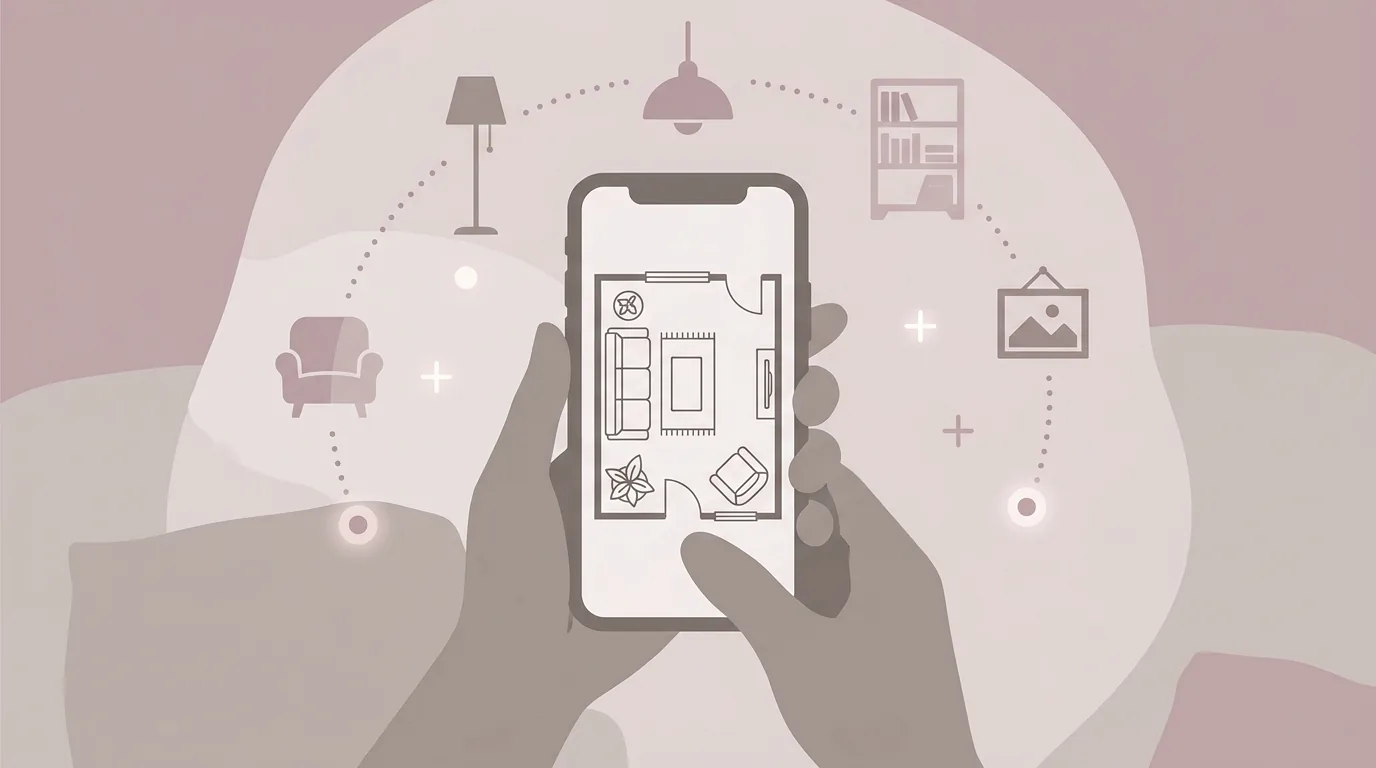
Caption: Free interior design apps are usable on the spot, and some support AR to overlay furniture onto the real space — great for a quick feel
Taiwan's overall internet penetration rate has topped 88% (TWNIC, Taiwan Network Information Center, 2025), and the phone has long been the first device people reach for to look things up or start arranging furniture. A good free app can turn an idea into reality instantly.
Here's the framework: a mobile app's biggest strength is that it's usable on the spot, some support AR to "place" furniture into the real scene, and the barrier to entry is low — great for quickly getting a feel for something. The limits are that the small screen makes fine adjustments hard, drag-and-drop precision doesn't match a desktop or web tool, and cross-device use and exporting are often restricted. In one sentence — apps are for "initial ideas," not for "precise finalization." Phones have become the go-to device thanks to how deeply mobile internet use is embedded in daily life in Taiwan (TWNIC, Taiwan Network Information Center, 2025).
Understanding this means you won't have unrealistic expectations of an app, and you'll know when it's time to move the result to a bigger screen. This is also something we want to be upfront about: mobile tools aren't bad, they just each have their place. Assign one to the "ideation" leg of the race, and it does a great job; force it to carry "precise finalization," and it hits walls everywhere. Using the right tool for the right job matters more than how powerful the tool itself is.
The most appealing thing about apps is "zero friction." Open it the moment the idea strikes — no booting up, no waiting to load. Some apps also support AR — point your phone's camera at the living room and virtual furniture overlays onto the real space, giving you a rough sense of scale and style at a glance. For anyone without a design background, this what-you-see-is-what-you-get experience is especially quick to pick up.
But the phone's inherent limits are just as real. The screen is only so big, and when you're trying to precisely drag furniture and align it to a wall, your finger often ends up covering the view. AR anchoring can drift, and the dimensions it measures may not be accurate. Then there's exporting and cross-device use — many apps restrict exporting in the free tier, or a project you've built won't open when you switch to a computer. These pitfalls are exactly why apps are suited to capturing a concept, not the final call.
Here's the iOS list straight up: if you want to draw a floor plan and place furniture, Planner 5D and Homestyler are easy to learn and free; for on-site scanning and measuring, there's MagicPlan. For AR placement, note that IKEA's older IKEA Place app has been pulled from the App Store. Below, we've split them into two categories by use case. Pricing and free-tier limits change quickly, so check the App Store and each official site for current details.
| App | Type | Free Tier | Best For |
|---|---|---|---|
| Planner 5D | Floor Plan/3D | Yes | Laying out a floor plan and wanting a 3D view too |
| Homestyler | Rendering | Yes | Wanting a polished 3D preview |
| MagicPlan | Scan & Measure | Yes | Measuring on-site and quickly generating a floor plan (2 free projects, paid after that) |
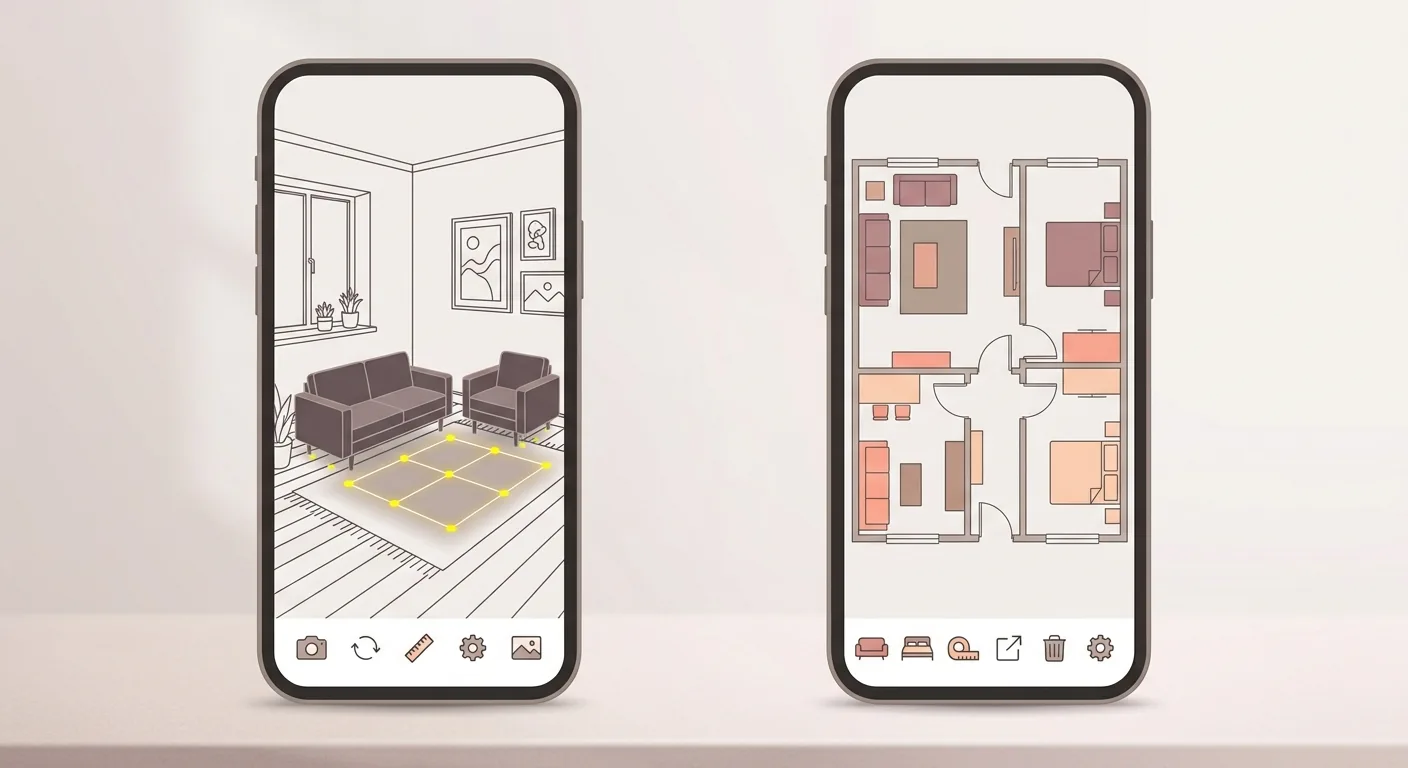
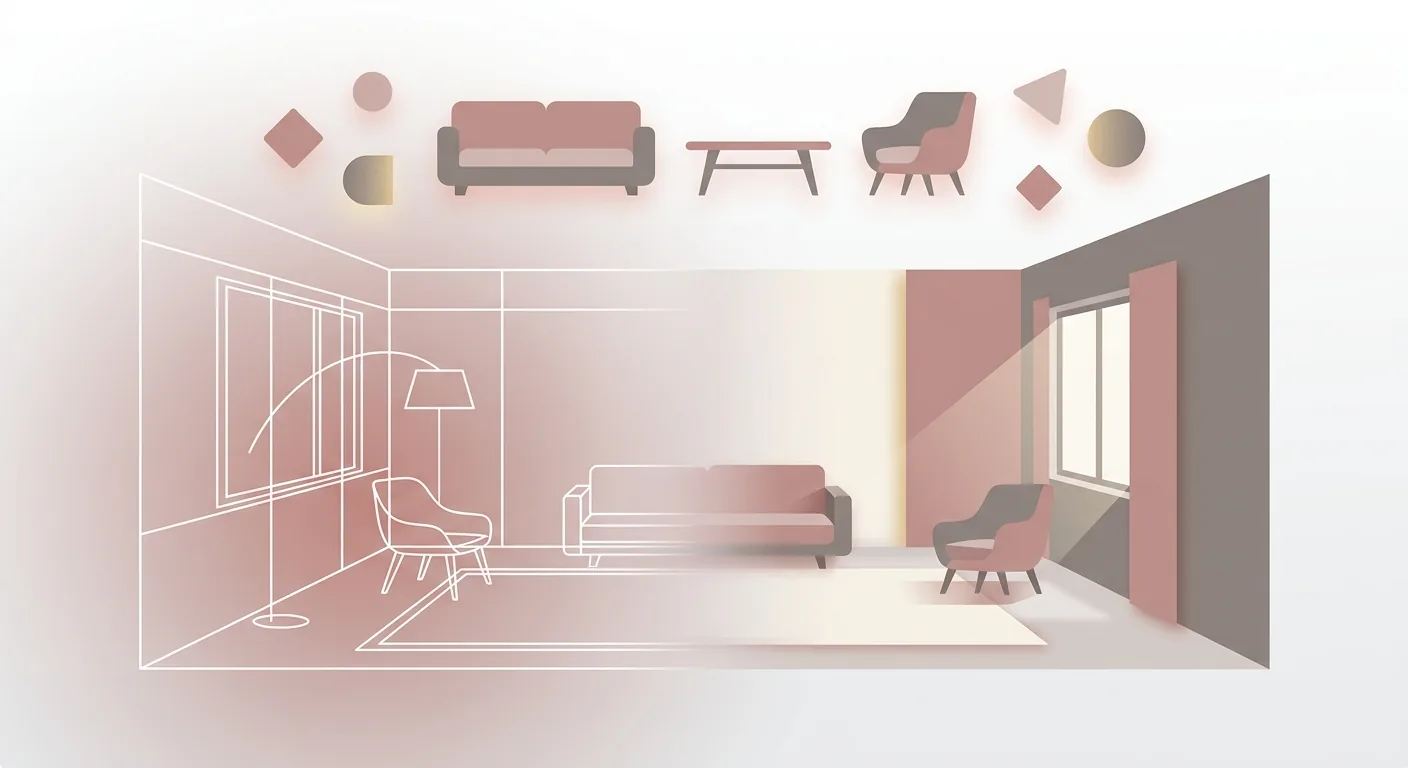
Caption: Two ways to use a phone app — left: overlay furniture onto the real space with AR; right: draw a top-down floor plan and drag furniture into place
The long-time flagship of this category, IKEA Place, has been removed from the App Store and Google Play; IKEA's newer IKEA Kreativ lives in the international IKEA app and website (the U.S. site, for example), but the IKEA app on Taiwan's App Store is the separate "IKEA Taiwan" app, and IKEA's Taiwan website doesn't offer Kreativ either. The idea behind this kind of AR app is to overlay virtual furniture directly onto your camera's live view — step closer or further away to check the scale, and see whether it matches your existing furniture. The upside of this kind of app is being "what you see is what you get," which is fantastic for quickly capturing a mood. Just note that AR anchoring can drift, so treat any measurements you get as a rough guide, not something to build from.
For actually laying out a floor plan, Planner 5D and Homestyler are a better fit. They let you sketch a room on your phone, drag furniture in, and switch between 2D/3D views — the free tier is enough for basic furnishing. The difference: Homestyler leans more toward rendering-style output, while Planner 5D covers both 2D and 3D. To compare more free desktop and web-based options, check out our hands-on tested list of free interior design software.
Android users, don't worry — nearly all the mainstream design apps come in versions for both platforms. Planner 5D, Homestyler, and MagicPlan are all free to use on Android too, with an interaction style close to iOS. One thing to note: some AR features or model libraries may be more limited on the Android version, which comes down to how well the device supports AR. For a general need like "home design app," you'll find a suitable option regardless of platform.
Our suggestion: check whether your phone supports the AR features of the app first, and then decide whether AR is worth choosing for. If you're really just trying to lay out a floor plan and check dimensions, whether it has AR or not isn't actually that critical — precision matters more.
Android's wide range of devices and screen sizes is actually a hidden advantage: if you have a large-screen tablet on hand, laying out furniture with the same app will feel far smoother than on a phone, with noticeably finer drag-and-drop control too. If you're looking for a cross-platform tool, prioritize apps that offer "cloud saving and cross-device syncing" — they let you capture a concept on your phone and refine it on a tablet without losing your data. This also ties back to a key point: once you've laid things out on your phone, it's best to have a big screen to hand it off to.
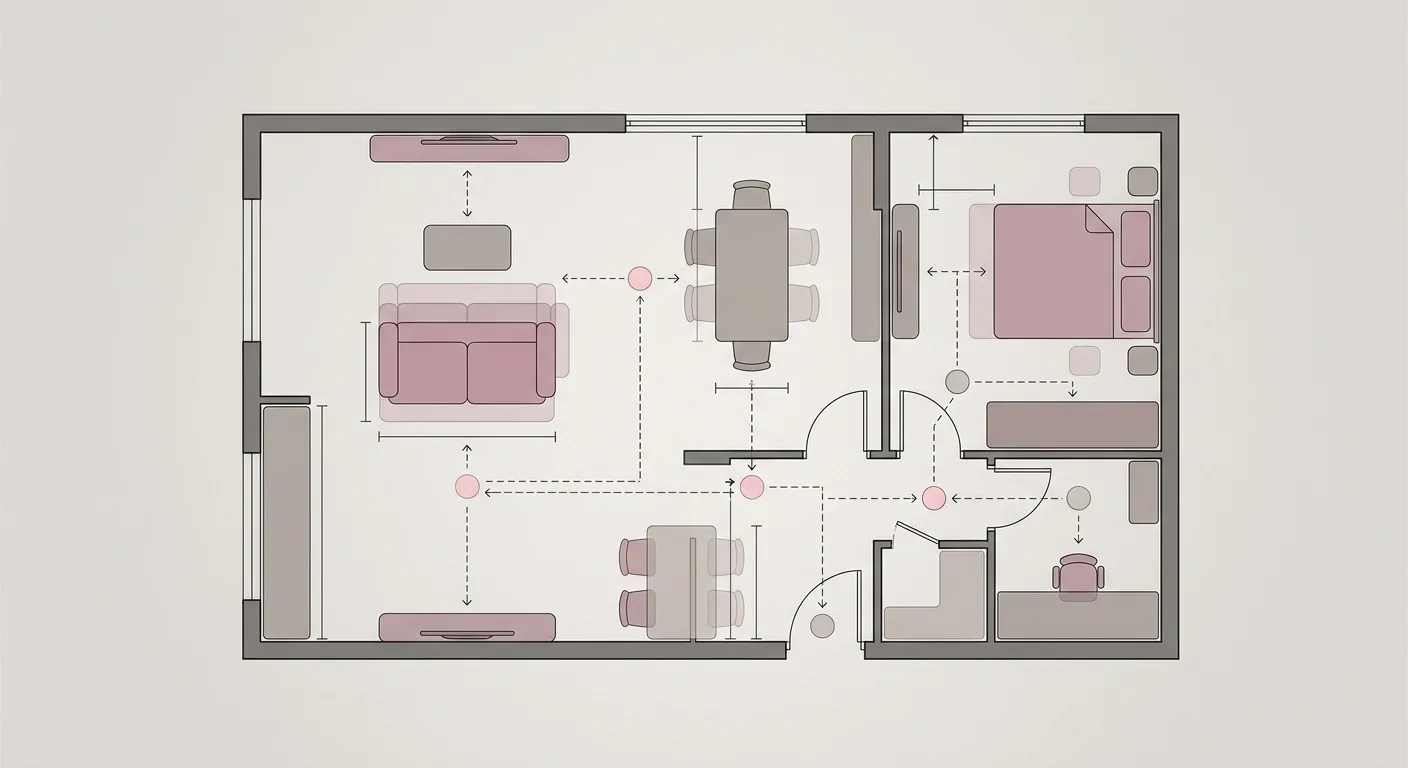
To sum it up in one sentence: mobile apps are great for capturing a concept, but to precisely confirm "will the furniture fit, is the walkway wide enough," going back to a big screen is far more accurate. This is the division of labor — phone for the concept, big screen for the sizing. The phone gives you a quick feel; the handoff tool helps you verify and finalize the idea.
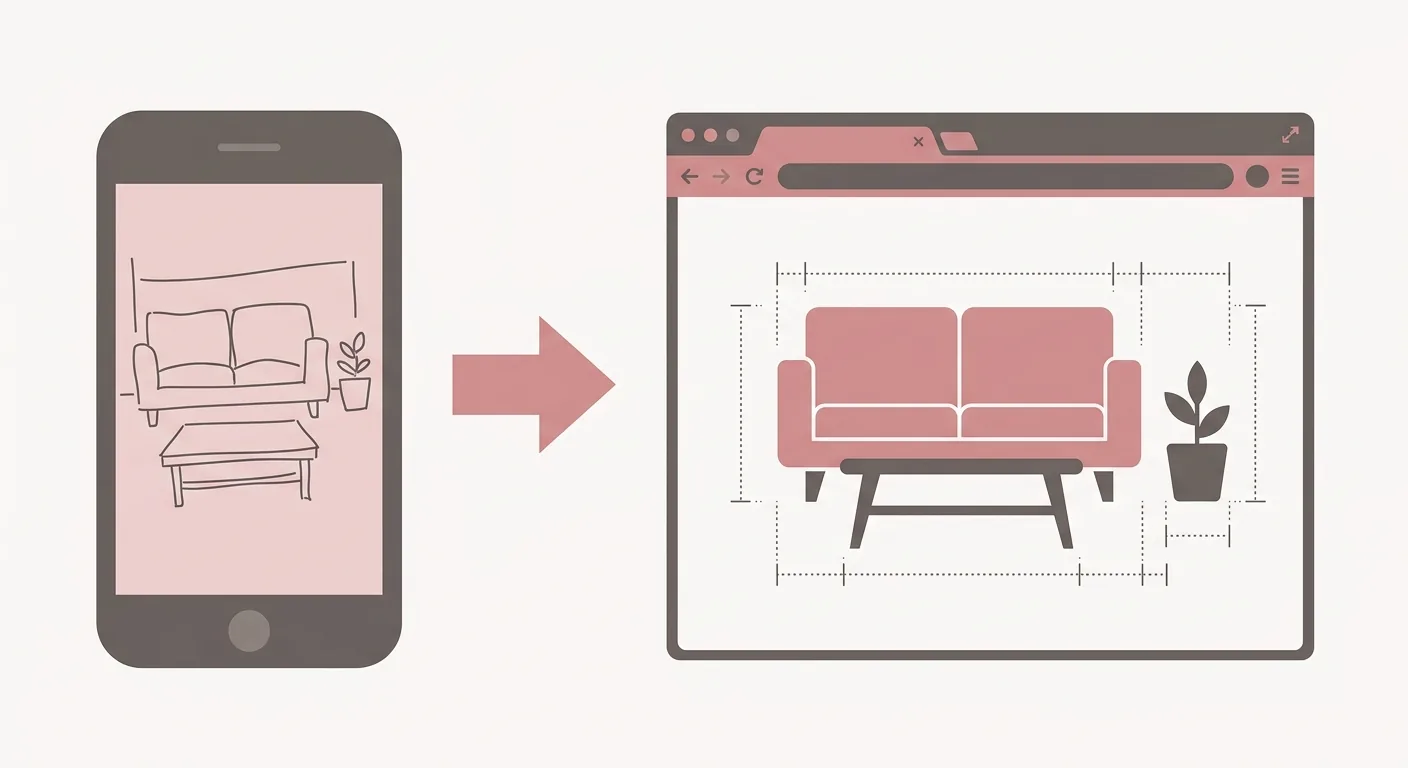
Caption: Lay out the concept on your phone → arrow → refine on a big screen with true 1:1 dimensions, verifying walkways and spacing in one pass
In practice, here's what we often do: use the phone during the commute to capture the big picture, then open the computer at home to align the details. The phone handles "roughly like this," and the big screen handles "does this actually work." This division of labor isn't a hassle — it actually saves time. You won't be fighting for precision on a tiny phone screen, and you won't spend ages rendering only to find the dimensions are wrong.
Put another way, the relationship between phone and big screen is a bit like a quick snapshot draft versus the final cut. The draft captures the inspiration; the final cut is what actually gets executed. What you need in between is a bridge that lets you continue seamlessly — if what you laid out on your phone has to be redrawn from scratch on the computer, the division of labor loses its point. So when picking an app, "can the result carry over smoothly to a big screen" is worth putting on your checklist.
For the handoff to a big screen, Roomfit is a great fit for that leg of the race. It runs right in your browser, no download needed, lets you place furniture at true 1:1 scale, automatically labels walkway spacing, and lets the same link carry over between phone, tablet, and computer — you can even bring family in to co-edit together. An idea you looked over on your phone can be verified and finalized on your computer with real dimensions. Because it all lives in the browser, whatever you started laying out on your phone can be picked right back up at home without redoing anything — that seamless continuity is exactly what mobile apps often can't give you. To learn more about this kind of online tool, see our recommended no-install browser-based design platform.
Bottom line first: complaints about free interior design apps on social media (especially Dcard) cluster around a few things — the free tier running out fast, too many ads, watermarks on exports, incomplete localization, and drifting AR anchors. These are pitfalls you only discover after using the app, which is exactly what makes community discussion so valuable. Taiwan users' habit of reading through forum posts before downloading anything ties directly back to the country's broadly high mobile internet usage rate (TWNIC, Taiwan Network Information Center, 2025).
That said, community reviews vary from person to person. Someone might complain about too many ads, but if you're only laying things out once, that might not matter to you at all. After reading through the pitfalls, it still comes back to this: are you after "getting a feel for it" or "locking down exact dimensions"? If you need exact dimensions, moving the result to a big screen is the more reliable route. If you want to do floor-plan or spatial simulation on your phone, also check out our guide to spatial and layout simulator apps.
There's also a useful mindset for reading community reviews: line up "what people are complaining about" against "what you actually care about." Someone complains an app has no AR — but if you never needed AR, that's not a downside for you. Someone complains exporting requires payment — but if you're only looking at it yourself and never need to export, that doesn't matter either. The real value of a pitfall list is helping you confirm ahead of time "am I likely to hit the same problem," not deciding which app you should use.
At the end of the day, a free app is a great starting point, but don't treat it as the finish line. Once you've got a feel for it and settled on a general direction, use a tool that shows true dimensions to lock down the details — that way you won't end up buying furniture that doesn't fit. To see how desktop software, apps, and online tools all divide up the work in one place, head back to our complete interior design software roundup for the full picture.
Planner 5D, Homestyler, and MagicPlan all have free versions available. The free tier is enough for basic needs like drawing a floor plan and on-site scanning and measuring — though MagicPlan's free offer covers 2 full-featured projects; after that, new projects require a paid subscription. Watch out for free-tier limits and export restrictions — check the current App Store listing, since some features change between versions.
They're accurate enough for getting a feel for something, but not necessarily for locking down exact dimensions. Phone drag-and-drop precision is limited, and AR anchoring can drift, so don't treat the numbers you measure as something to build from directly. To precisely confirm whether furniture will fit, we recommend moving the result to a big-screen tool that displays true 1:1 dimensions and verifying it there — it'll be far more reliable.
Most mainstream apps are available on both platforms with a similar interaction style, though details may differ. Some AR features or model libraries may be more limited on the Android version, which comes down to how well the device supports AR. If you're mainly laying out a floor plan and checking dimensions rather than relying on AR, the experience on both platforms is pretty similar.
It depends on whether the tool supports cross-device syncing. Many apps tie a project to the phone itself in the free tier, so it won't open once you switch devices. For a seamless handoff, choose an online tool that works "across devices under the same account" or "runs right in the browser" — for example, Roomfit, where the same link lets you review on your phone and keep editing on your computer.
Arrange furniture in your space at true 1:1 scale with Roomfit and see exactly how much walkway is left — no install, no sign-up.
Start with Roomfit →