Buy a TV stand that's too short or too shallow, and you won't find out until it's already home — with the TV hanging awkwardly over both ends. Desks have the same problem: 10 centimeters too little depth and the screen ends up right in your face. Both of these dimensions, though, come down to numbers you can simply copy.
This guide pulls together the TV stand's width, depth, and height matched to screen size, plus the desk's width, depth, and height matched to how you actually use it — all laid out as comparison tables. You'll learn how wide a stand a 65-inch TV needs, how far it should sit from the sofa, and why desk depth should be at least 60cm. For the bigger picture on furniture dimensions overall, head back to the Furniture Dimensions Overview hub page before drilling into the specifics here.
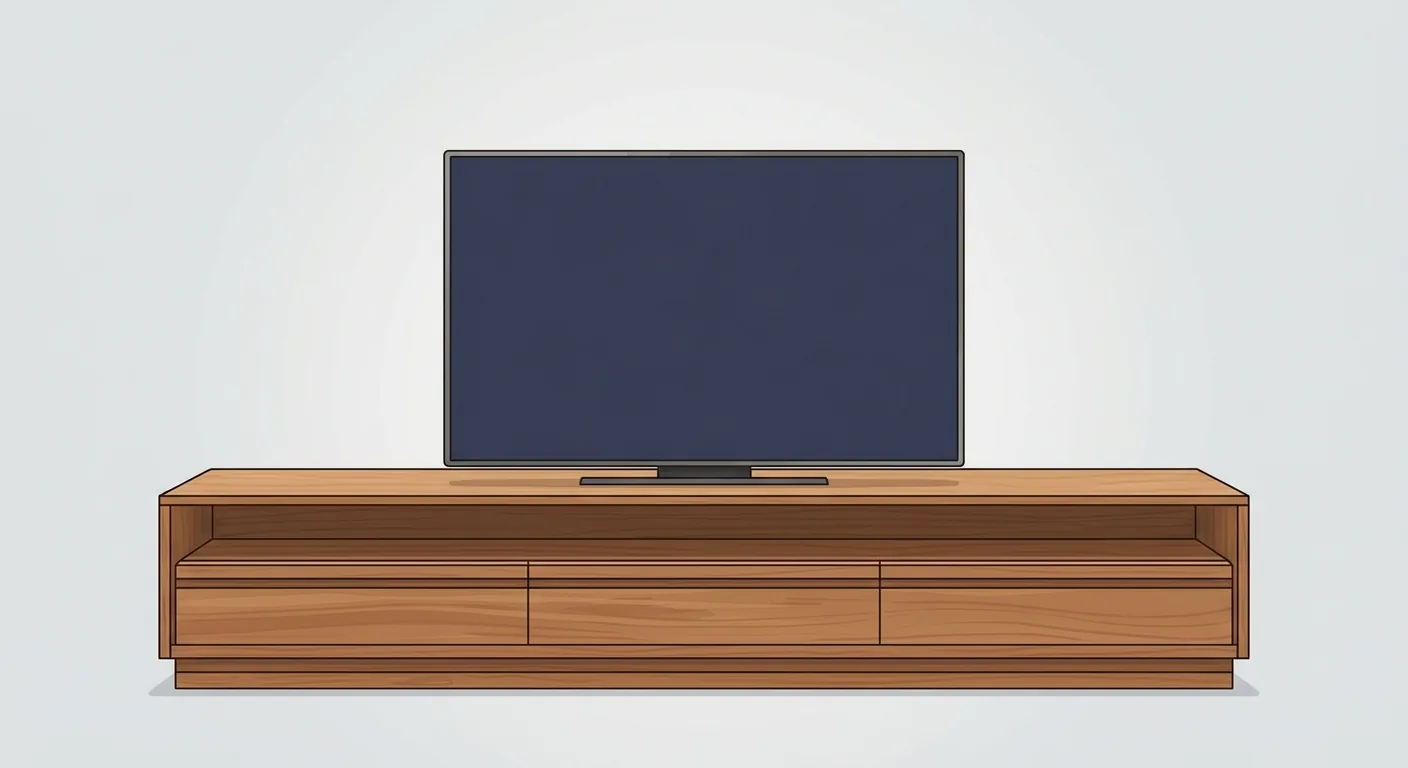
Caption: TV stand width = TV width + 15–30cm of margin on each side, for both visual stability and display space
Key takeaway: TV stand width should be TV width + 15–30cm of margin on each side. For desks, OSHA recommends a comfortable screen viewing distance of 50–100cm (OSHA Computer Workstations eTool), which is exactly why desk depth should start at 60cm.
1TV Stand Size Chart: Matching Width, Depth, and Height to Screen Size and Viewing Height
The TV stand's three numbers each have their own job. OSHA's computer monitor ergonomics guidance recommends the screen center sit 15–20 degrees below eye level (OSHA Computer Workstations eTool); applying that same "don't tilt your neck up too far" principle to TV viewing, the screen center should land roughly at or slightly below seated eye level. Working backward, that puts the ideal TV screen center at about 100–110cm off the floor — which is what determines how tall your stand should be.
We've matched common TV sizes to cabinet width, depth, and height in the table below. These figures are general furniture-market ranges, not specs for a particular brand or model, but they're a solid reference to check against whatever's on the showroom floor.
| TV Size | Approx. Screen Width (cm) | Recommended Stand Width (cm) | Stand Depth (cm) | Stand Height (cm) |
|---|---|---|---|---|
| 43" | 96 | ≥ 130 | 40–50 | 45–55 |
| 55" | 122 | ≥ 155 | 40–50 | 45–55 |
| 65" | 144 | ≥ 180 | 40–50 | 45–55 |
| 75" | 166 | ≥ 200 | 40–50 | 40–50 |
Common Width, Depth, and Height Ranges for TV Stands
Width tracks TV size — that's the main variable. Depth usually falls in the 40–50cm range, enough to fit a set-top box, game console, or sound system without wobbling. Height, meanwhile, tends to land at 45–55cm for a low cabinet, since that's exactly what puts the screen center at seated eye level.
Stand Width = TV Width + 15–30cm of Margin on Each Side
This is the single most useful formula here. The TV shouldn't be wider than the stand — overhang on both ends looks bad and isn't stable either. For a 55-inch TV, the screen is about 122cm wide, so with 15–30cm of margin on each side, you're looking at a stand at least 155cm wide. That leftover space is also room for an amp, a diffuser, or a plant, without the whole setup feeling cramped.
Matching Stand Height to Seated Eye Level
Sofa seat height typically runs 40–45cm, which puts a seated person's eye level at roughly 110–120cm off the floor. Line the TV's screen center up with that height and your neck doesn't have to tilt up or down. The same principle applies to wall-mounted TVs: center the screen on seated eye level, and if anything, err slightly low rather than mounting too high. Mounted too high and your neck aches after a while — sound familiar?
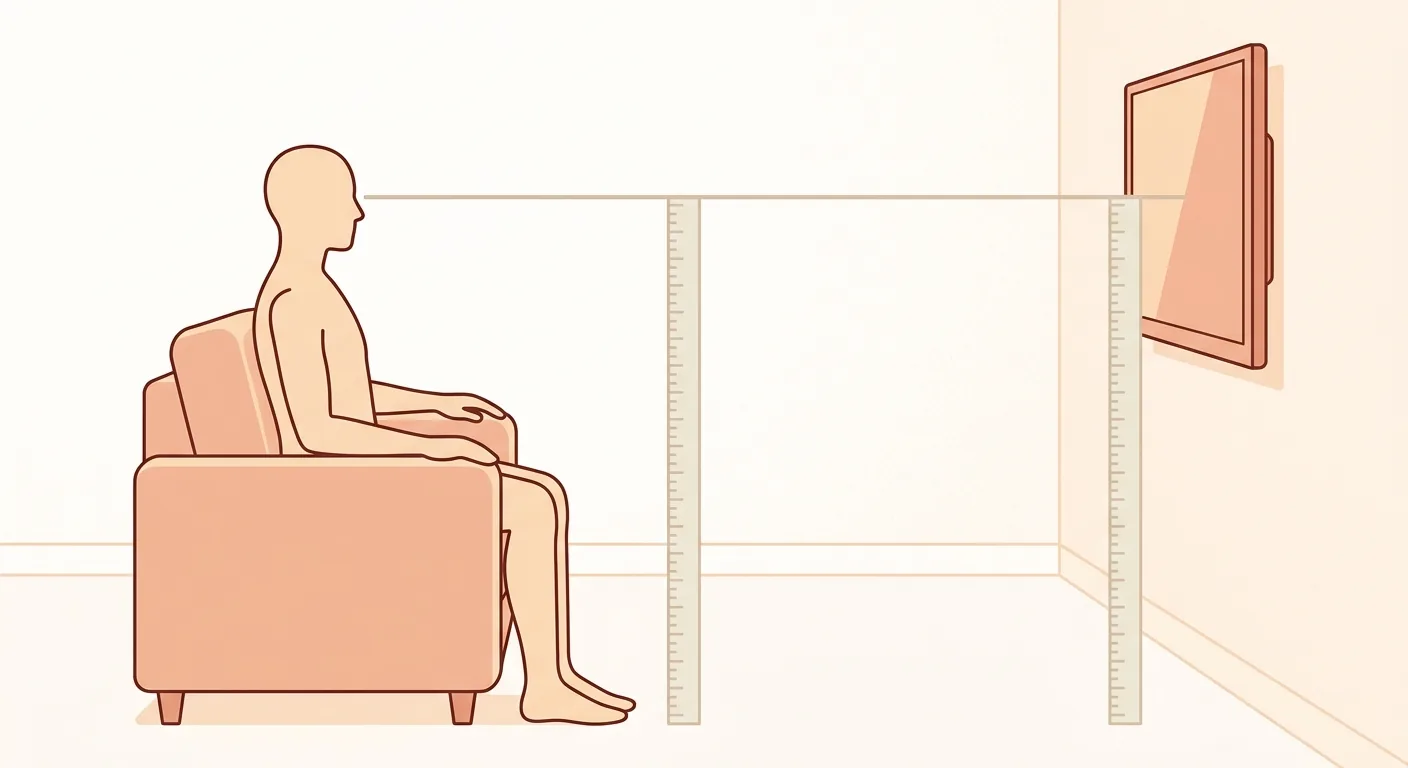
Caption: Seated eye level sits at roughly 110–120cm off the floor — align the TV screen center to that line for the most comfortable neck angle
2TV Size Comparison: How Wide a Stand and How Far From the Sofa Is Comfortable
Before you can figure out how wide a stand you need, you need to understand how screen size is actually measured. TV size is the screen's diagonal length: a 55-inch screen has a diagonal of about 140cm, and at a 16:9 aspect ratio, that works out to roughly 122cm wide and 68cm tall. As for viewing distance, THX's living-room advice is to multiply the distance from your couch to the TV (in inches) by 0.835 to get a suitable screen size; with a 4K TV, the nearer you sit, the more detail you can pick up (THX). Working backward from the screen size, then, tells you the farthest the sofa should sit.
Converting TV Size to Screen Width
Screen size is measured diagonally, not by width — a detail a lot of people mix up. For a 16:9 screen, width is about 0.87 times the diagonal: a 43-inch screen is about 96cm wide, 55-inch about 122cm, 65-inch about 144cm, and 75-inch about 166cm. When shopping for a stand, it's screen width you care about, not the size number itself.
How Wide a Stand for Each TV Size
The comparison table above is the fastest way to check. The rule boils down to one line: the TV shouldn't be wider than the stand. A 65-inch screen is about 144cm wide, so the stand should be at least 180cm to leave enough room on both ends. When we test-dragged a 65-inch TV onto a 150cm-wide stand at true 1:1 scale, the TV nearly filled the entire cabinet face, leaving only about 3cm of margin on each side — and it looked unstable, which is exactly why we recommend 15–30cm of margin per side.
Figuring Out a Comfortable Viewing Distance
Viewing distance scales up with screen size. THX's rule of thumb is to divide a 4K TV's screen size by 0.835 to get the ideal maximum distance between the couch and the TV (THX): that works out to about 1.7m for a 55-inch, 2.0m for a 65-inch, and 2.3m for a 75-inch, which you can treat as an upper limit. The often-quoted 36-degree viewing angle, by contrast, is THX's recommendation for the farthest seat in a certified cinema auditorium (THX), not a standard for a living-room TV. That distance needs to factor into your sofa layout too — for more detail, see the size comparisons in The Golden Ratio for Sofa, TV, and Coffee Table Placement. For how to plan your whole living room's furniture layout around the TV wall, check out the Complete Guide to Living Room Furniture Layout.
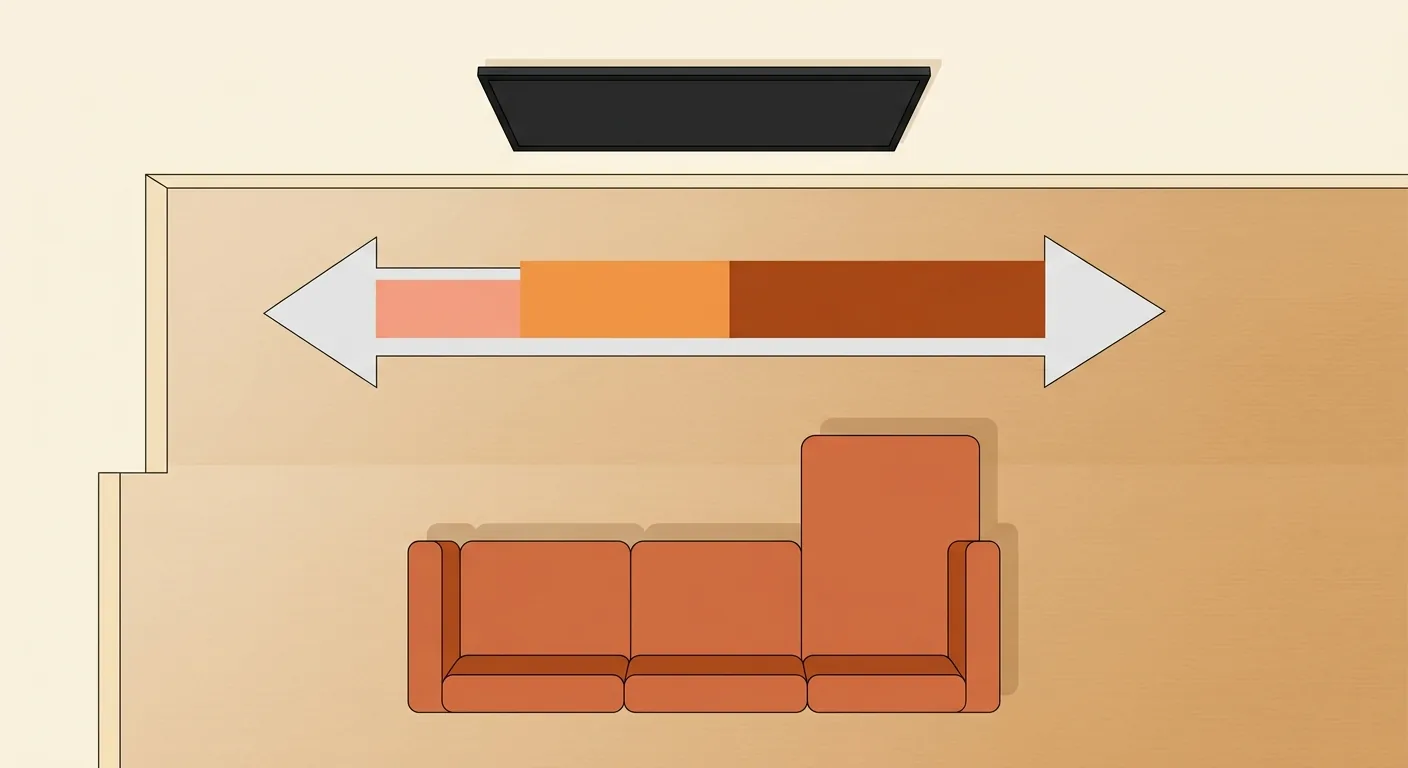
Caption: Viewing distance scales with screen size — THX's ideal maximum distance for a 4K TV is roughly 1.7m for 55", 2.0m for 65", and 2.3m for 75"
3Desk Size Recommendations: Common Width, Depth, and Height, and How Much Depth You Actually Need
What makes a desk usable or not comes down to depth. OSHA recommends a screen-to-eye viewing distance of 50–100cm (OSHA Computer Workstations eTool). To fit a 24-inch monitor and keyboard while still being able to sit back that far, desk depth needs to start at 60cm. Desk height, meanwhile, typically lands at 72–75cm — the standard working height that lets your elbows sit at a natural 90-degree angle.
Below, we've broken desks down into three use cases. The numbers are again general furniture-market ranges, handy for checking against whatever's listed on a shopping site.
| Use Case | Width (cm) | Depth (cm) | Height (cm) |
|---|---|---|---|
| Basic desk | 100–120 | 60 | 72–75 |
| Comfortable / dual-purpose | 120–140 | 70–80 | 72–75 |
| Dual-monitor workstation | 140–160 | 70–80 | 72–75 |
Common Width, Depth, and Height for Desks
A basic desk at 100–120cm wide and 60cm deep is enough for everyday use. If you want to fit two monitors or spread out a book, pushing the width to 140cm or more and the depth to 70–80cm makes a real difference in comfort. Height stays fixed at 72–75cm across the board — this is the one dimension you don't need to overthink.
Why Desk Depth Should Be at Least 60cm
Because the screen needs room to sit far enough back. A 24-inch monitor's comfortable viewing distance is about 50–70cm; with less than 60cm of desk depth, the screen ends up in your face and there's nowhere left for the keyboard. A depth of 70–80cm leaves extra room in front of the screen for writing or setting down a coffee — a real difference over long work sessions. Desk depth being too shallow is one of those things you only notice after you've already bought it, right?
Extra Sizing for Dual Monitors and Reading Desks
A side-by-side dual-monitor setup needs at least 140cm of width to fit two 24-inch screens. A desk meant purely for reading and writing can be narrower, but depth should still be at least 60cm so an A4 page or a larger book lies flat. If you want to alternate between sitting and standing, consider a sit-stand desk — 72–75cm for sitting, adjusted upward from there based on your height for standing.
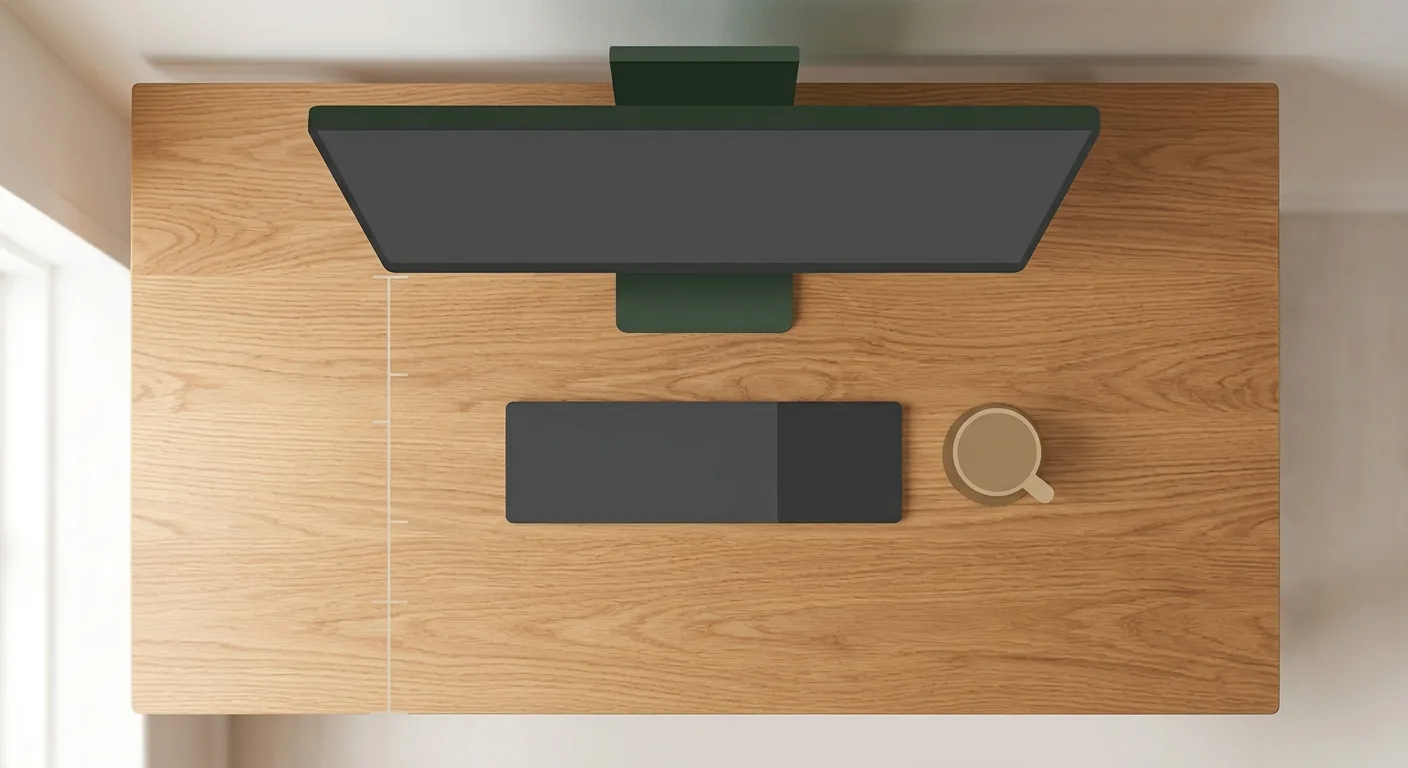
Caption: Desk depth starting at 60cm makes room for a 24-inch monitor (viewed from 50–70cm back) plus a keyboard
4Choosing Between a TV Stand and a Desk: Wall-Mounted, Open-Shelf, and Storage Trade-Offs
Before picking a style, get clear on how much storage you need and how much legroom matters. In practice, leave at least 65cm of clearance height and 45cm of clearance depth under the desk, plus another 40–60cm behind the chair for it to slide back. TV stands, meanwhile, come down to how much you need to store — a wall-hugging low cabinet and an open shelving unit each have their trade-offs.
Wall-Hugging Low Cabinet vs. Open Shelving
A wall-hugging low cabinet holds more and looks more stable — set-top boxes and cables all stay hidden — which suits a living room with a lot of stuff to tuck away and a preference for a clean look. Open shelving is lighter and more visually airy, but it collects dust more easily and has limited weight capacity; fine for books and decor, but be careful loading it up with heavy appliances. If you want to line up the TV stand with system cabinets and the sofa to check proportions across the whole living room, pair this with the Complete Sofa Size Guide.
Matching Desk Height to Chair Height and Legroom
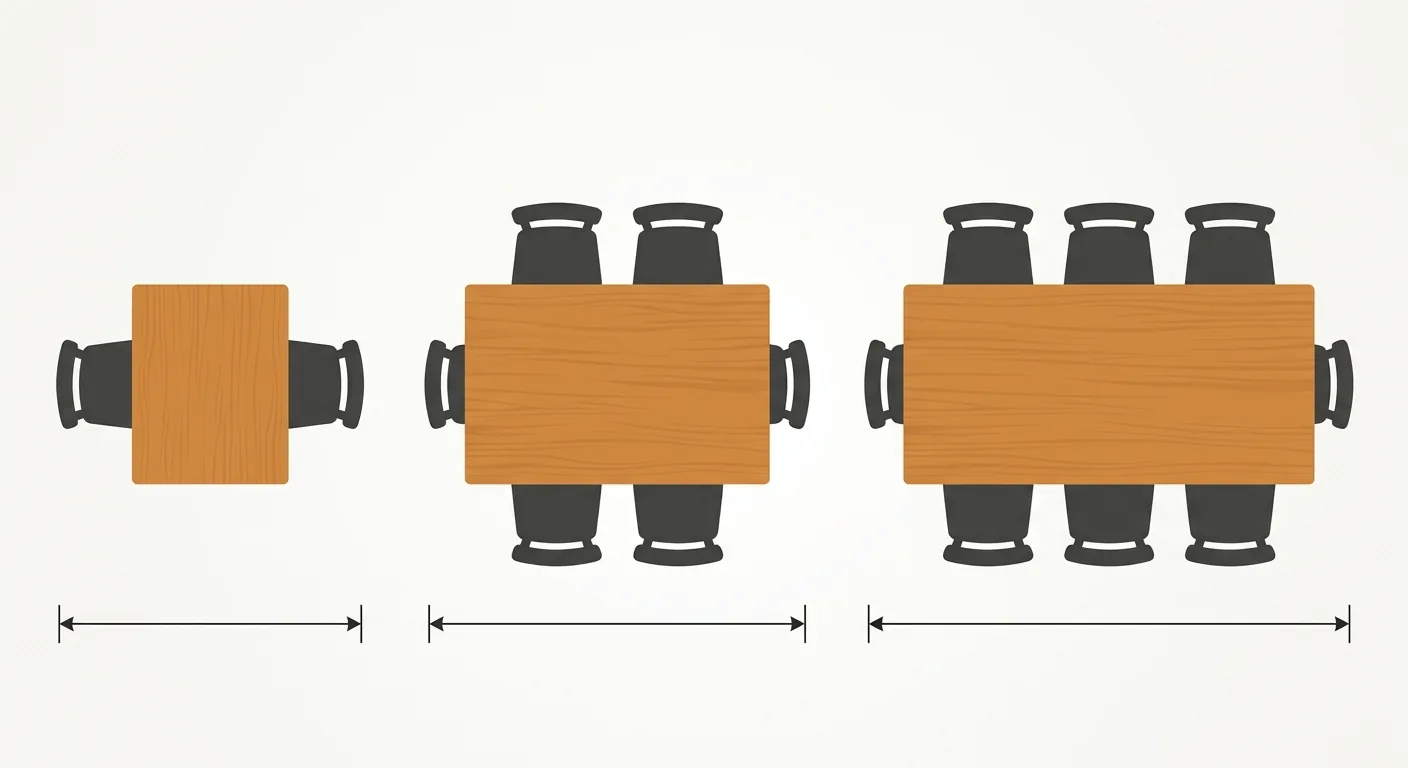
A 72–75cm desk height pairs with a 42–45cm seat height, so your elbows naturally land at 90 degrees. Beyond the desktop dimensions, don't forget legroom under the desk and space for the chair to slide back — two things that often get overlooked. You also need to leave room to walk in the study so a chair sliding back doesn't hit the wall; for how much walkway to leave, see the Guide to Furniture Clearance and Walkway Safety Distances. For how to plan a study that works — desk, bookshelf, and natural light all together — pair this with the Study Room Design Guide.
Place It at True 1:1 Scale Before You Commit
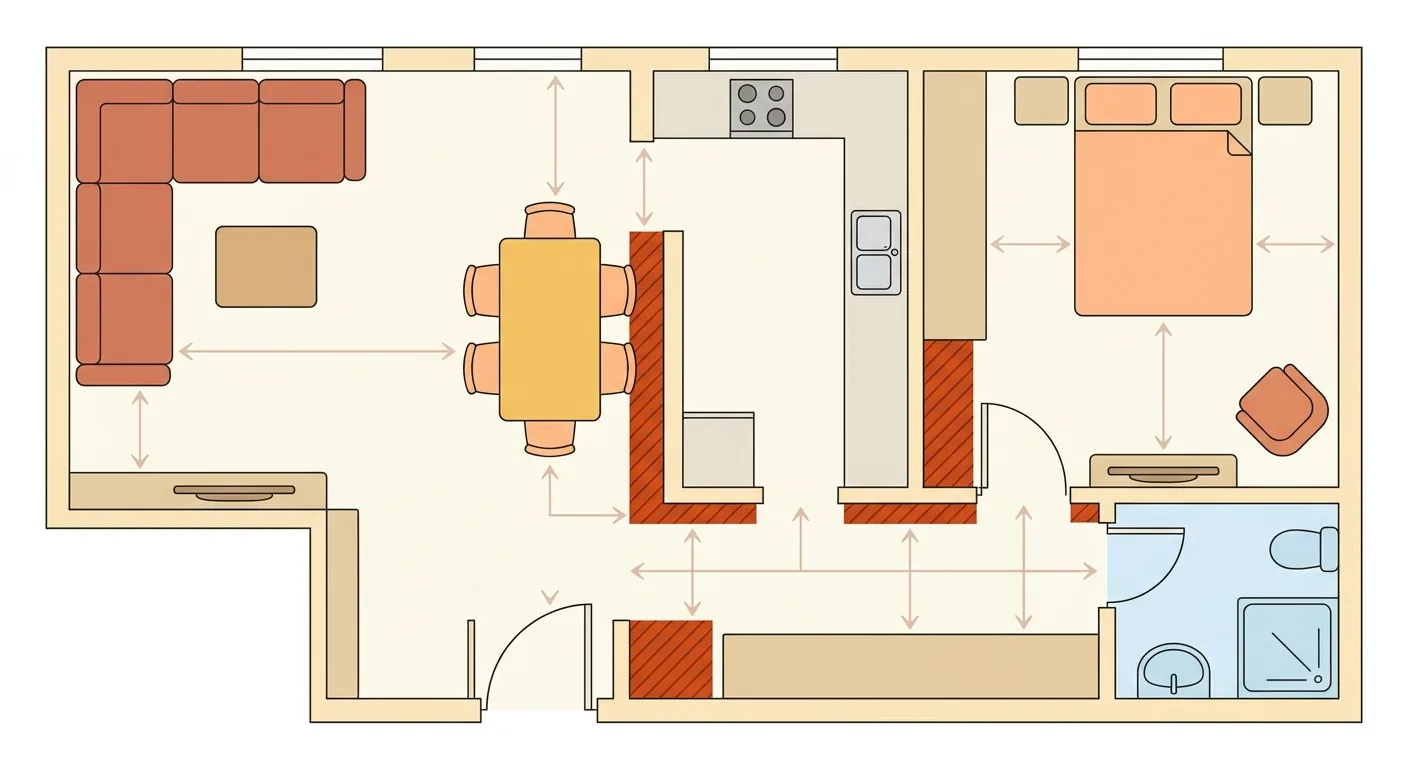
A TV stand that's too tall or a desk that's too shallow — these proportion problems are easier to catch by seeing them in place than by staring at numbers. Our approach is to place the TV stand and desk at true 1:1 scale into a floor plan of the living room and study first, checking the proportions against the sofa, walls, and windows — so anywhere it's too wide or blocks a door is obvious at a glance. Rather than regretting a purchase after it's already home, line things up on the canvas first — use Roomfit to place furniture at true 1:1 scale into your own floor plan, get it right first, then make it look good. Once you've checked the numbers, this step only takes a few minutes to confirm.
5FAQ
How wide a TV stand does a 65-inch TV need?
A 65-inch screen is about 144cm wide, so a TV stand at least 180cm wide is recommended, leaving 15–30cm of margin on each side. The rule is that the TV shouldn't be wider than the stand — overhang on both ends looks unstable and unattractive. Aim for 40–50cm of depth to fit a set-top box, and a height of 45–55cm for a low cabinet, which puts the screen center at seated eye level.
What's the ideal TV stand height?
A low cabinet at 45–55cm is the most common choice. That's because sofa seat height typically runs 40–45cm, putting a seated person's eye level at roughly 110–120cm off the floor, and the TV screen center is most comfortable when it lines up with that height. OSHA recommends the screen center sit 15–20 degrees below eye level; applied to TV viewing, that means the screen center at or slightly below eye level, which works out to about 100–110cm off the floor.
How much depth does a desk need?
A desk depth of at least 60cm is recommended. A 24-inch monitor's comfortable viewing distance is about 50–70cm, and with less than 60cm of depth, the screen ends up in your face with nowhere left for the keyboard. A depth of 70–80cm is even more comfortable, leaving room in front of the screen for writing or setting down a drink. Desk height, meanwhile, should be a fixed 72–75cm, paired with a 42–45cm seat height so your elbows sit at 90 degrees.
What's the standard desk height?
A typical work desk height is 72–75cm, the standard range that lets most adults' elbows rest naturally at 90 degrees. Pair it with a 42–45cm seat height for the best fit. If you're notably taller or shorter, finding a desk at exactly the right height can be tricky — a sit-stand desk is a good option here: set it to 72–75cm for sitting, then adjust upward from there for standing based on your height.
6References
- OSHA Computer Workstations eTool — Monitors (U.S. Occupational Safety and Health Administration, ergonomic guidance on screen viewing distance and height)
- What Is THX Certified Screen Placement? — THX (about 36-degree horizontal viewing angle from the farthest seat in a certified cinema auditorium)
- What Size TV Should I Buy for My Living Room? — THX (couch-to-TV distance multiplied by 0.835 gives the suggested screen size)
- Where and How Should I Position My TV in My Living Room? — THX (a 4K TV's screen size divided by 0.835 gives the ideal maximum distance)
- THX Viewing Guide (TV viewing distance recommendations)
- Furniture Dimensions Overview (this cluster's hub page)
- The Golden Ratio for Sofa, TV, and Coffee Table Placement
- Complete Sofa Size Guide
- Guide to Furniture Clearance and Walkway Safety Distances