Design Software Brands

Search "Kujiale" and you get a pile of results, plus something called "Coohom" that looks awfully similar — are you also not sure whether these two are actually the same thing?
They are, in fact, related. Kujiale is a China-based cloud 3D interior design platform, and Coohom is its version aimed at the international market — the core engine is similar, but the interface language differs. This article covers their relationship, whether you can use it outside China, how to register, cost and free tiers, the AI rendering workflow, and reviews, all in one place — and it also clears up the "cracked version" question, including its legal alternatives and risks.
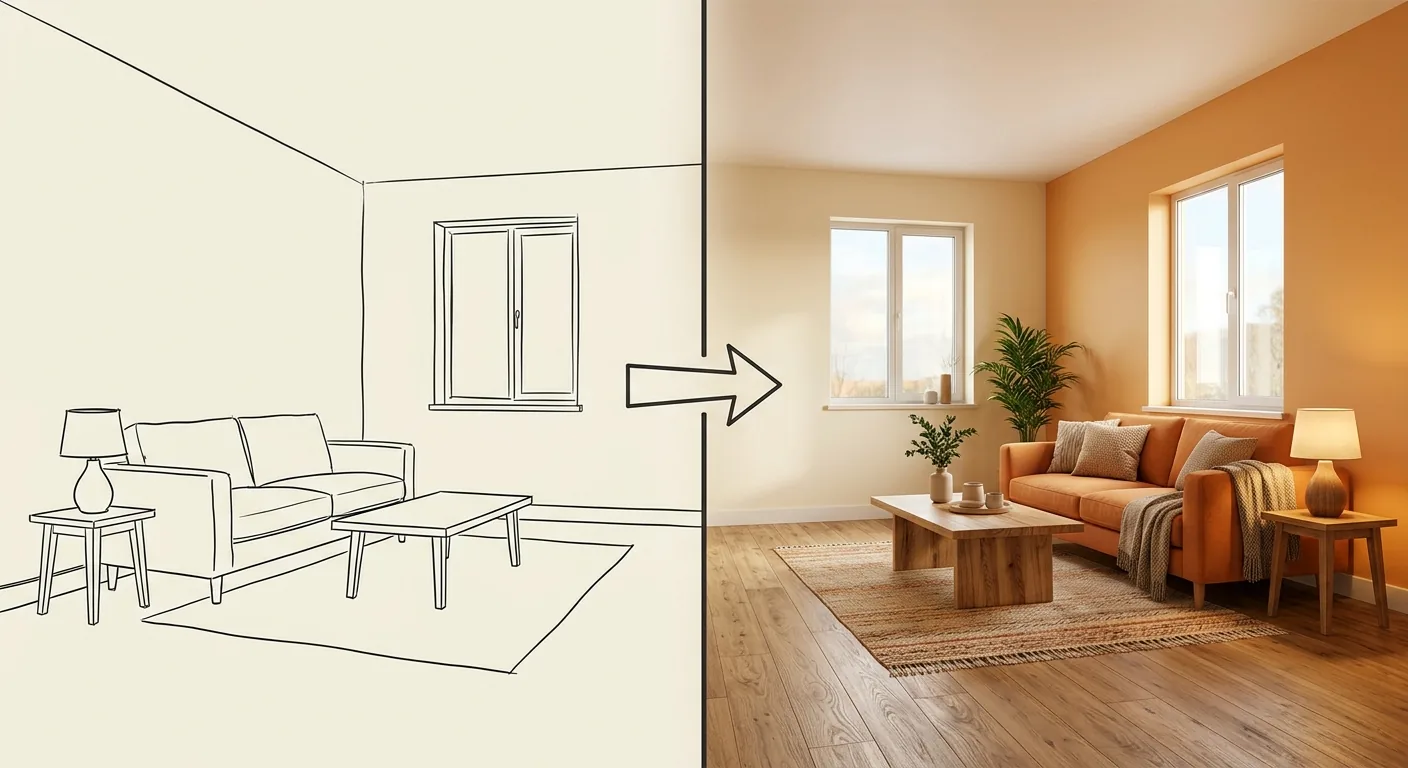
Caption: One cloud, two versions — Kujiale leans toward the China market, Coohom takes the internationalized, localized-interface route, and most Taiwan users go with Coohom
Key takeaway: Cloud-based 3D design paired with AI rendering is letting ordinary homeowners produce their own renders. Kujiale/Coohom capture exactly this demand through "cloud + AI rendering."
Kujiale and Coohom belong to the same cloud 3D design ecosystem, sharing a similar core engine, with the main differences being interface language, servers, and target region — Kujiale leans toward the China market, while Coohom offers both Chinese and internationalized interfaces (Coohom Official, 2026). Both are cloud tools, operated primarily in a browser, with apps also available.
The one-sentence takeaway: same engine, two storefronts.
Kujiale is well established in the China market, with a huge asset library and strong rendering capability, and its interface and account system are built around China-based users. Coohom packages that same technology for the overseas market, with language, payment methods, and servers all designed to be more accessible for international users.
For users in Taiwan, this difference is quite practical. Which version you use affects how smooth registration is, whether the assets match your taste, and how convenient payment is.
The differences concentrate in three areas. On interface language, Coohom has complete Chinese and English support, while Kujiale is primarily Simplified Chinese; on servers and account systems, the two are independent of each other; on asset style, Kujiale leans toward decor styles common in the China market, while Coohom's international assets are relatively more diverse.
Ever wonder why the same engine gets split into two versions? The answer is market segmentation — separating China and overseas users, payment flows, and compliance so each can be optimized independently.
Both are cloud tools, with their main battleground in the browser (desktop version) — design and rendering both run in the cloud, so they don't demand much from your local machine. They also have apps, convenient for viewing a plan or making light adjustments on a phone or tablet.
For serious rendering work, the desktop version is still the smoothest. The mobile app is better suited to quick glances and casual edits.
Yes, you can use it outside China, but for international users, going through Coohom's localized interface is usually smoother than registering for Kujiale directly (Coohom Official, 2026). Kujiale's account system leans toward China, and you may run into limitations like phone verification; Coohom's registration, language, and payment are all more accessible for international users.
The fact that "Kujiale international registration" gets searched at all tells you people really do get stuck at this step.
Kujiale itself doesn't block access from outside China, and users elsewhere can theoretically register. In practice, the friction you might run into includes phone-number verification, an account system built around China-based users, and some payment methods being inconvenient.
If you specifically want to use the original Kujiale (say, you're taking on a project targeting the China market, or need decor assets common there), that friction is worth tolerating. If you just want to produce a home rendering, you don't necessarily need to go through that.
For most international users, Coohom is the smoother path. Go to Coohom's official site, switch to your localized interface, register an account by email, and you're in the design workspace — the language and operations are both accessible.
We actually registered for the localized version of Coohom ourselves, and it took roughly two to three minutes from entering an email to landing in the canvas, without getting stuck on language or verification along the way. For anyone who wants to avoid hassle, this path saves a lot of trouble.
The desktop version requires no download — open your browser, log in, and you're in, which is the advantage of a cloud tool. For the app, search the corresponding name in your phone's app store, addressing searches like "kujiale download" or "kujiale desktop version."
One thing to remember: the desktop version has the most complete feature set, and the app is a supplementary tool. If you're serious about producing renders, sitting down at a computer is the most practical approach.
Coohom offers a free tier that covers basic features like floor-plan planning, room planning, and 3D design; paid tiers (Pro, Elite, Enterprise) mainly differ in render resolution (4K/8K), rendering speed, watermark removal, and how many projects you can create (Coohom Pricing, 2026). Specific pricing should be checked against the latest official pricing page.
One sentence: basic design is free; paying gets you higher quality, faster speed, and more volume.
Kujiale and Coohom follow similar pricing logic — the free tier covers basic design and rendering, while advanced features (high-definition rendering, more asset access, commercial licensing) require payment. The actual amount varies by version and region, so we won't quote a number here that could go stale — checking the official pricing page at the time is most accurate.
If payment is inconvenient for Taiwan users, Coohom's international payment options are usually easier than the original Kujiale's.
Coohom runs on freemium: a free account lets you start designing, with up to 3 projects and watermarked 1K renders; upgrading to a paid tier gets you 4K-and-up resolution, faster rendering, watermark removal, and unlimited projects (Coohom Official, 2026).
Our recommendation is to use the free tier to put your plan together first, confirm the tool actually fits your needs, and only then decide whether to pay. Don't rush straight into a paid plan.
Let's be clear here: this article does not provide any cracking method. Cracked software carries three layers of risk — account security (leaks, being compromised), legal risk (infringement), and data risk (malware, leaked designs). The subscription fee you save could cost you something much bigger.
There are legal ways to save money. First, make full use of Coohom/Kujiale's free tier — most home-planning needs are actually covered by it. Second, switch to another free tool, like the free Sweet Home 3D or Roomfit, whose core features are free. Third, if you genuinely need advanced features, pay for one month's subscription, batch out all the renders you need, then cancel — that's still safer than cracking. Go the legal route, and your account and data stay safe.
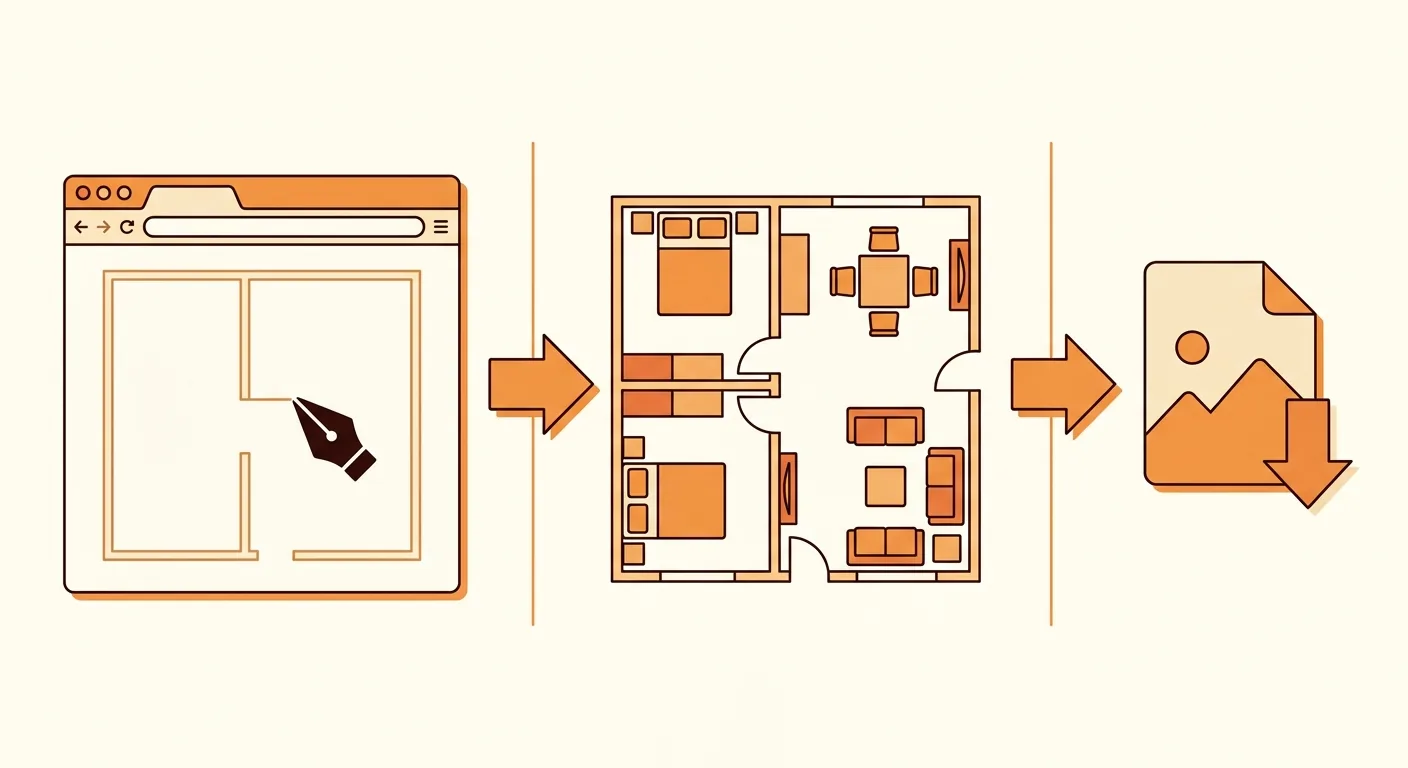
Coohom's basic workflow is: build a room → arrange furniture and apply materials → render into a finished image, all running in the cloud; it also has a built-in AI home design feature that can suggest a layout based on room size and style and quickly generate a design (Coohom Official, 2026). This is exactly what people searching for a "Kujiale tutorial" or "Coohom tutorial" are looking for.
Getting the fit right first, then rendering — that's the general rhythm for this category of tool.
Start by drawing the room, or upload a floor plan directly as your base. Then drag furniture in from the asset library, position it, and apply materials to walls, floors, and furniture.
This step takes the most time and has the biggest impact on the final result. If furniture dimensions aren't matched to the real space, the resulting render is beautiful but fake — something a lot of people overlook.
Once everything's arranged, you move into the rendering step. Choose your angle, set the lighting, submit it to cloud rendering, and once it finishes you get a photorealistic image. The advantage of cloud rendering is that it doesn't tax your local machine; the drawback is that the free version's clarity and speed are limited.
Wanting high definition and speed is exactly where paying comes in. The free version's output is fine for communicating a concept, but you'd need to upgrade for a formal pitch.
Coohom's AI feature is its standout. Give it a room size and the style you want, and it will suggest a layout and quickly generate a first-pass design for you, saving you the time of arranging everything from scratch (Coohom Official, 2026). For anyone lacking inspiration, this is a great starting point.
But what AI gives you is a "suggestion," not a "final decision." The furniture dimensions and walkways it arranges still need your own verification against reality. To be more rigorous about getting the scale right first, you can pair this with Roomfit's true 1:1-scale placement to verify it beforehand.

Caption: Three steps to a cloud render (1) build the room (2) arrange furniture and apply materials (AI can suggest a layout) (3) render into a finished image
Public reviews of Kujiale/Coohom are fairly consistent: strong rendering, plenty of assets, convenient AI, but advanced features cost money, assets skew toward China-market decor styles, and beginners need some time to get up to speed. This addresses queries like "Kujiale reviews," "is Coohom good," and "Kujiale forum." As for Roomfit, it takes a completely different position — it gets the scale right first, and renders (AI rendering, which uses points) are an extension that comes after.
Which one should you choose? First ask yourself: what you're missing right now — a beautiful image, or confirmation that it fits?
Summarizing public discussion: common praise includes photorealistic renders, a rich asset library, and time-saving AI generation; common criticism includes advanced rendering costing money, assets skewing toward China-market decor styles, and there being so many features that beginners easily get lost. These are general sentiment summaries, not precise statistics — actual experience varies by person.
Our own hands-on impression lines up similarly: the renders really are beautiful, but getting the dimensions accurate and the image polished to your satisfaction still takes time.
Roomfit's biggest difference from these two is that it focuses on one thing — getting furniture placed at true scale. Three objective differences:
Ultimately, it comes down to division of labor. For a complete interior design workflow or a photorealistic render to pitch, Kujiale/Coohom is the right tool; if you just need to confirm "does this set of furniture fit, and can you walk through the space," Roomfit is more direct and saves more effort.
In practice, the two can work in relay: use Roomfit first to get the dimensions right and the layout confirmed, then move into Coohom to produce the beautiful render. To compare other tools taking the rendering route, see the Homestyler 3D rendering tutorial; to understand the differences between professional modeling and phone-based scanning, the Complete SketchUp Free Guide and the Magicplan and HomeByMe measuring guide are also worth checking out.
| Comparison Item | Kujiale / Coohom | Roomfit |
|---|---|---|
| Core output | Photorealistic 3D render | True 1:1-scale layout |
| Cost | Free + paid advanced tiers | Core features free; advanced features use points |
| Installation | No download, cloud-based | No download, cloud-based |
| Dimension verification | You have to align it yourself | Labeled automatically |
| Multi-user collaboration | Depends on plan | Built-in collaborative editing |
They share the same origin but are different versions. Both belong to the same cloud 3D design ecosystem with a similar core engine, differing in interface language, servers, and target region — Kujiale leans toward the China market and is primarily Simplified Chinese, while Coohom offers both Chinese and internationalized interfaces (Coohom Official, 2026). International users typically find Coohom smoother, with registration, language, and payment all more accessible.
Yes. Kujiale doesn't block access from outside China, but you may run into friction like phone verification, an account system built around China-based users, and inconvenient payment methods. Most international users find it smoother to go through Coohom's localized interface instead: switch to your language on the official site and register by email to enter the workspace. We tested registering for the localized version of Coohom and it took about two to three minutes, without getting stuck on language or verification — more convenient than registering for the original Kujiale directly.
There's a free version. A free Coohom account lets you do basic design and produce watermarked 1K renders (up to 3 projects); paid tiers mainly differ in render resolution, rendering speed, watermark removal, and project count (Coohom Official, 2026). Most home-planning needs are covered by the free tier — we recommend using it to put your plan together first, confirm it fits your needs, and only then consider paying. Check the official pricing page for actual amounts.
We don't recommend it, and this article doesn't provide any cracking method. Cracked versions carry three layers of risk — account security, legal infringement, and malware — and the subscription fee you save could cost you something much bigger. Legal ways to save money include making full use of the official free tier, switching to a free tool (like Sweet Home 3D or Roomfit, whose core features are free), or paying for one month's subscription to batch out renders and then canceling. Go the legal route to keep your account and data safe.
Yes. However beautiful a render is, if the furniture dimensions aren't matched to the real space, it's just a good-looking illusion. AI-suggested layouts also need your own verification of walkways and clearances. We recommend using Roomfit first to get furniture placed at true 1:1 centimeters and confirm the walkway has enough room, then moving into Coohom to produce the beautiful render. Getting the fit right first saves you a lot of backtracking.
Kujiale and Coohom are, at their core, two storefronts on the same cloud — most international users find Coohom's localized interface smoother. On cost, both have free tiers, with advanced features requiring payment; AI rendering is their standout feature, quickly giving you a first-pass design. As for "cracking," there are plenty of legal alternatives — don't risk your account and data security to save a subscription fee.
If what you need is a photorealistic render to pitch, Kujiale/Coohom is worth learning; if you just need to confirm whether furniture fits and walkways work, use the free, no-download Roomfit to get the scale right first, then come back to rendering — that will save you a lot of backtracking. Get the fit right first, then chase looks — get the order right, and everything else falls into place.
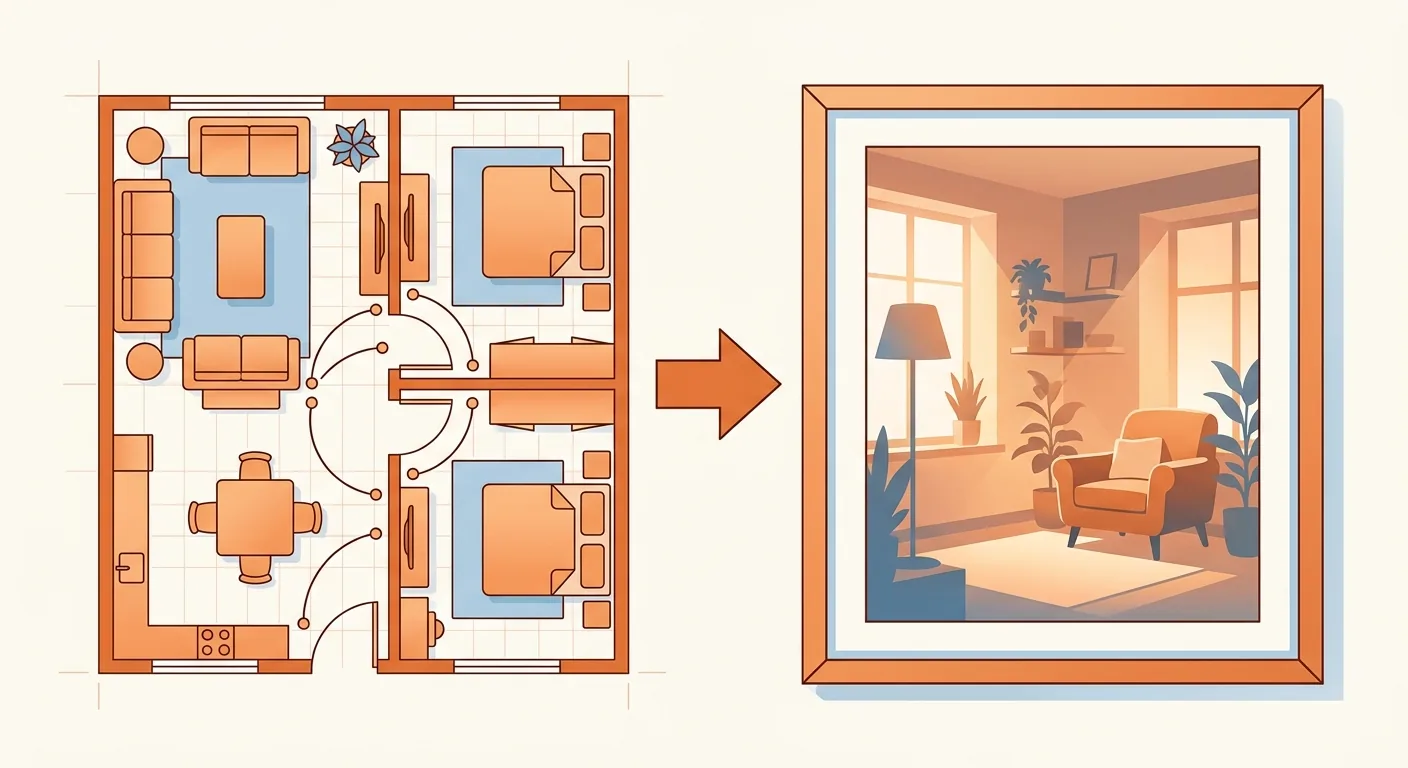
Caption: Use Roomfit first to get the scale right and confirm the walkways work, then move into Coohom to produce the beautiful render
Arrange furniture in your space at true 1:1 scale with Roomfit and see exactly how much walkway is left — no install, no sign-up.
Start with Roomfit →